
Open dialogues
This module is designed for communication with users with whom there has already been a conversation in Telegram. This means that if there are open dialogs on an account, the software will send messages to those dialogs. Let’s go through its settings.
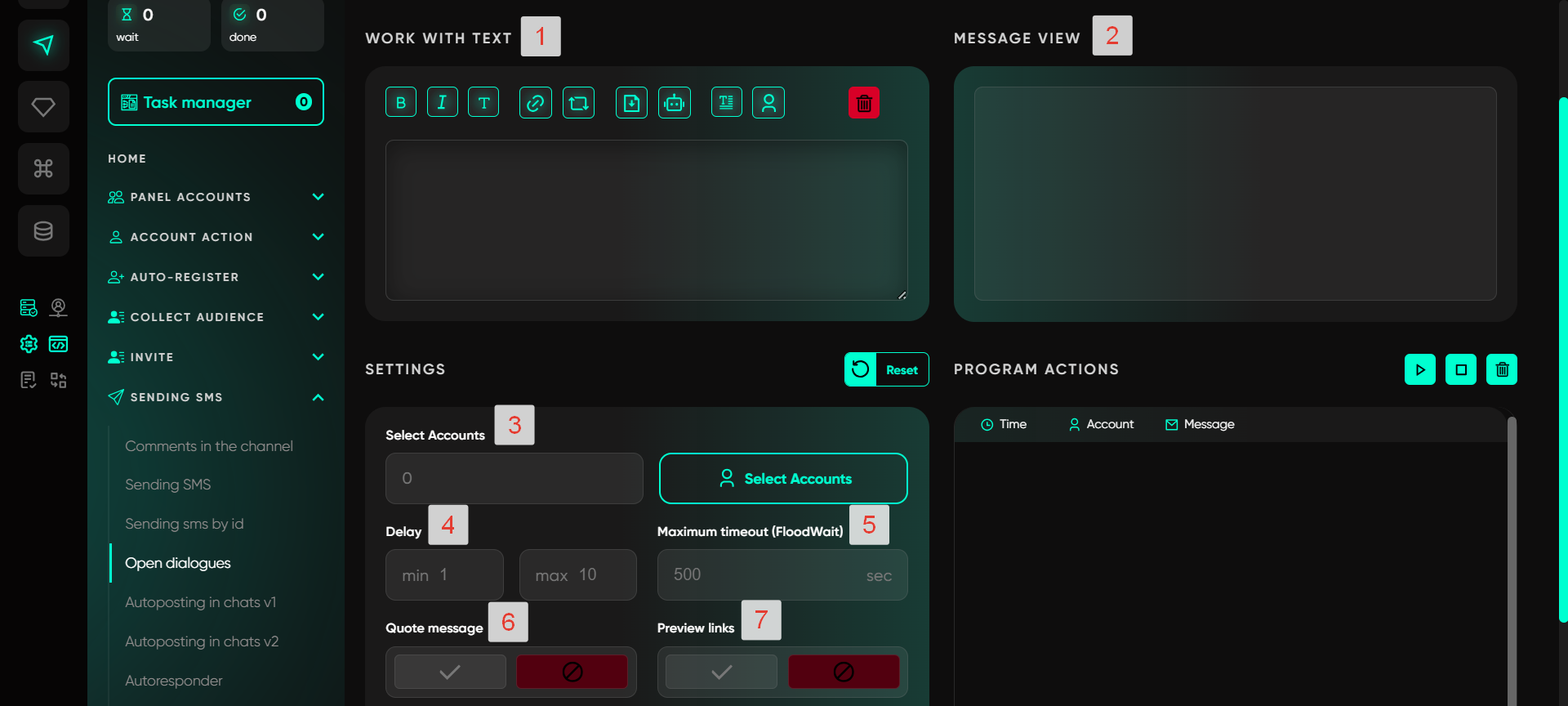

Work with text
In this section, users can input text for mass messaging. Using spin syntax, you can create different phrase variations, which helps make messages more diverse and natural. Available tools include basic text formatting options, such as bold text, italics, and the ability to add links. Additionally, there are several advanced features:
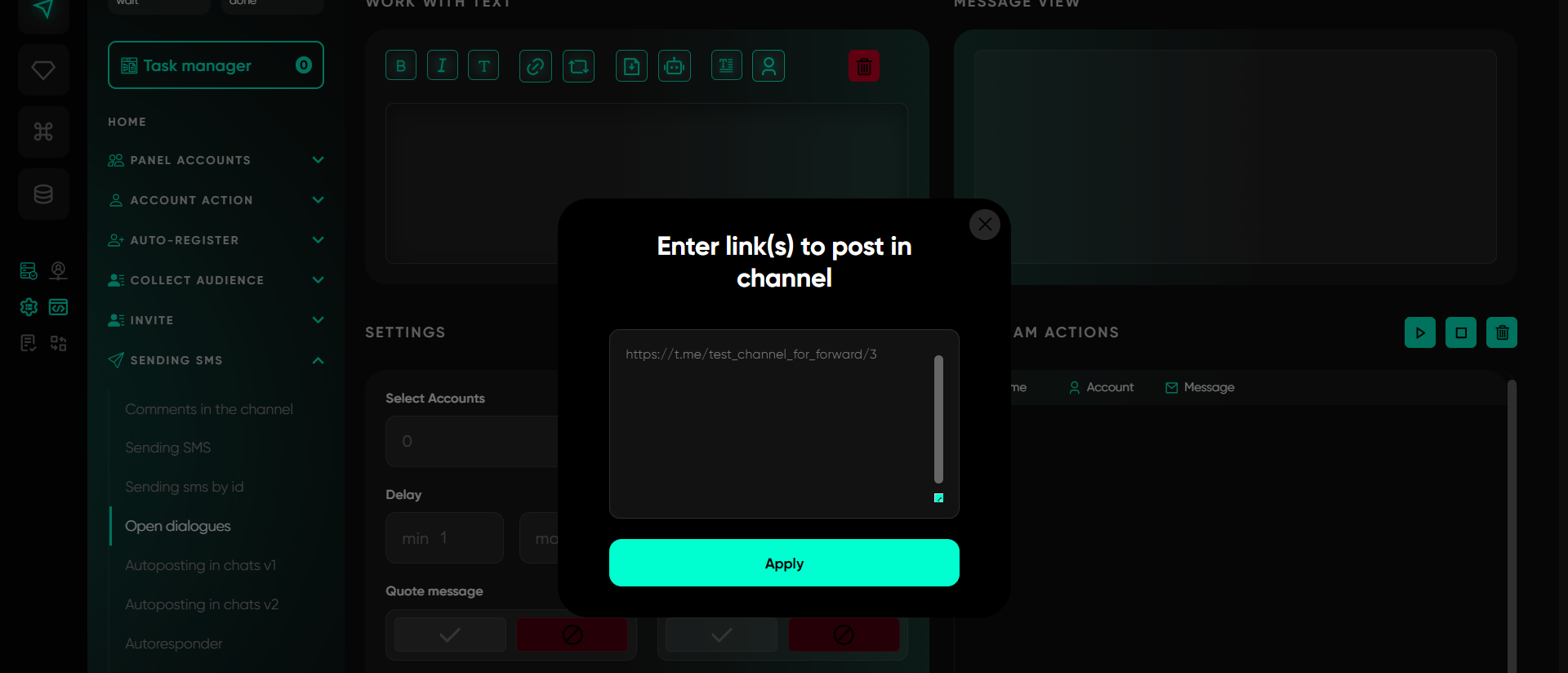
Repost from channel. To repost, find the desired post in any channel, right-click on it, and select the «Copy link» option. Then paste this link into the program, and the message will be automatically sent with the reposted post.
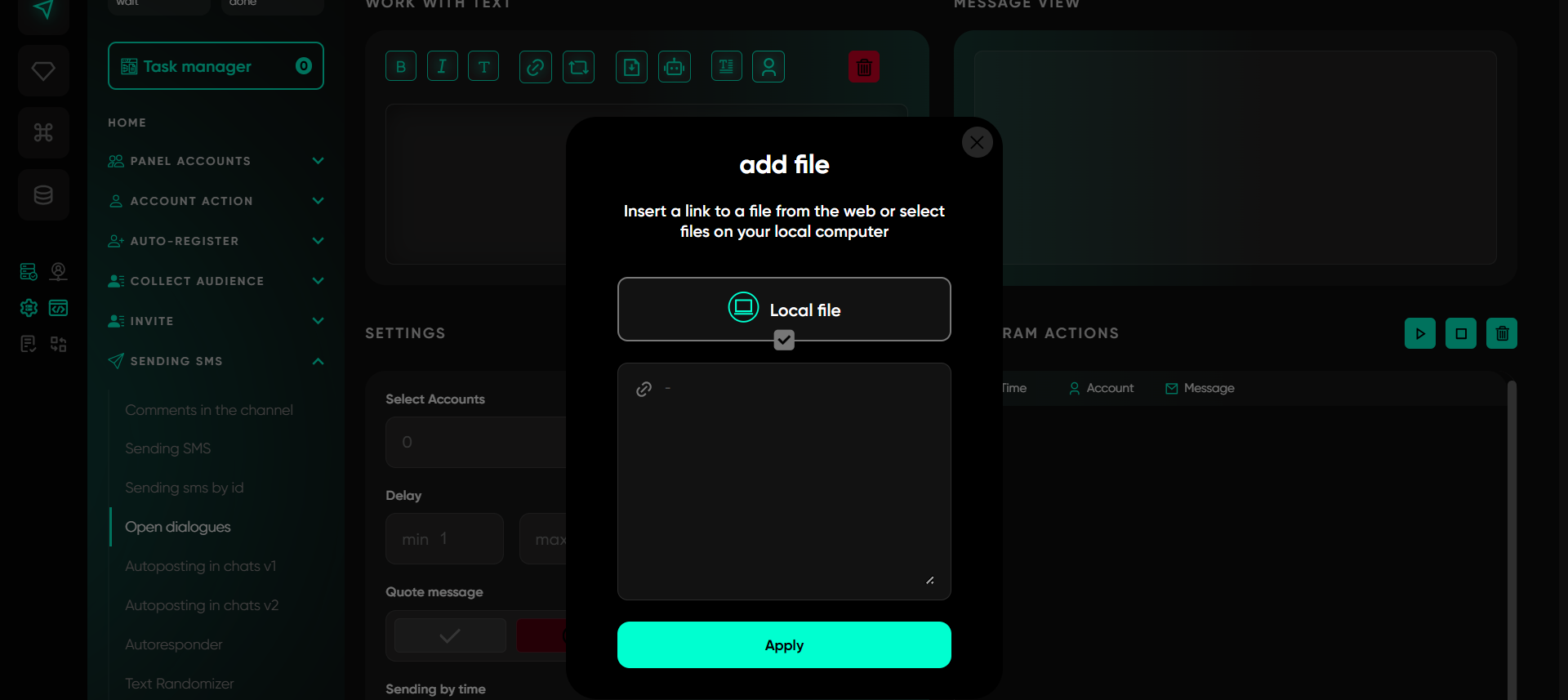
Add file. Users can attach files from either a local device or a local link. Select the required document, image, or video on your computer. While the file will not appear in the input field, it will still be attached to the message. This function allows adding various materials such as Telegram video notes (pre-saved), voice messages in .ogg format, and images. If multiple images are added, the program will randomly select one to send.
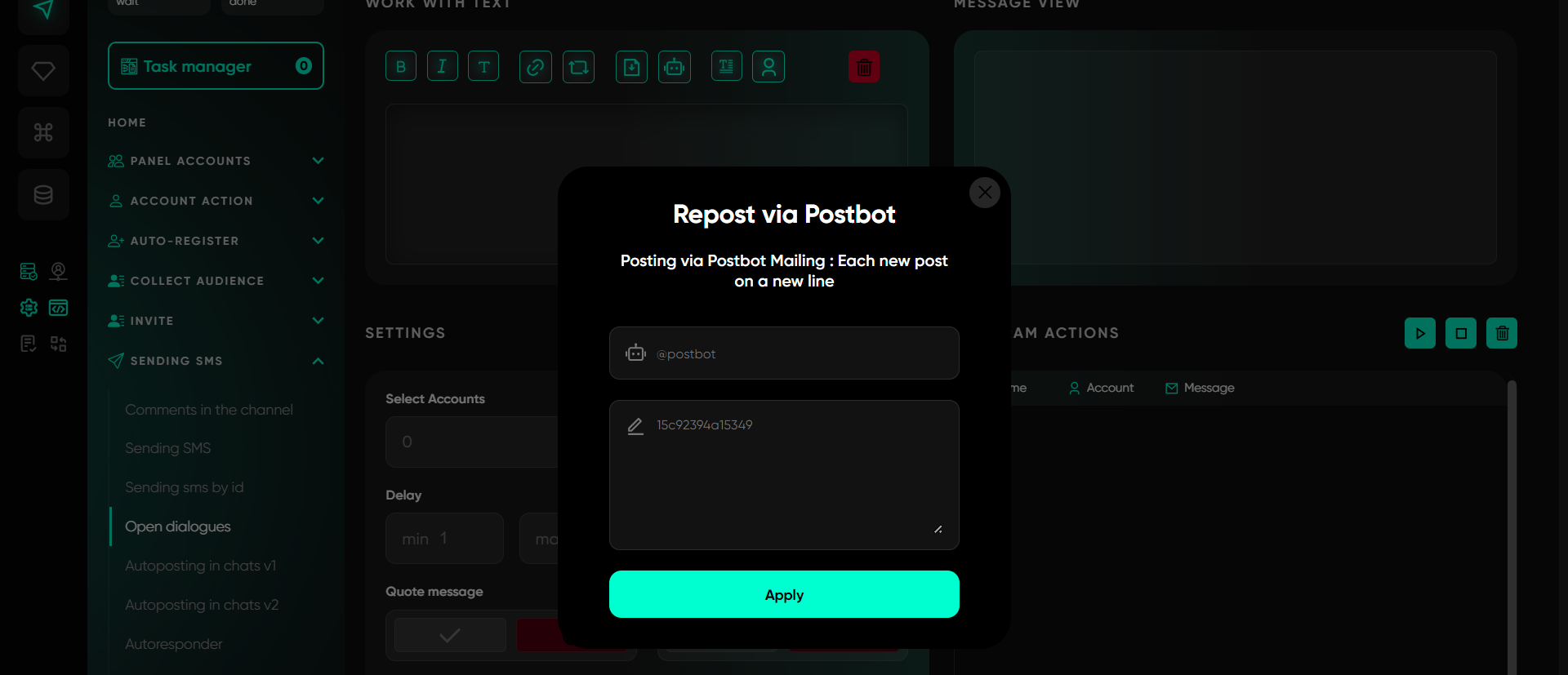
Send via bot. With this option, you can send pre-created posts via the Postbot bot. In the first field, specify the bot’s name, such as @postbot, and in the second, the post ID. If multiple IDs are provided, the software will randomly select one for each send.
Text randomizer. Using spin syntax, you can create variable text. For example, you can offer several greetings: {Hey!|Hello!|Good to see you!}. The program will randomly select one of these options, creating unique messages for each send.
Variables. This feature automatically substitutes the recipient’s username, which is particularly useful when sending messages via phone numbers or usernames. It helps make communication more personalized.
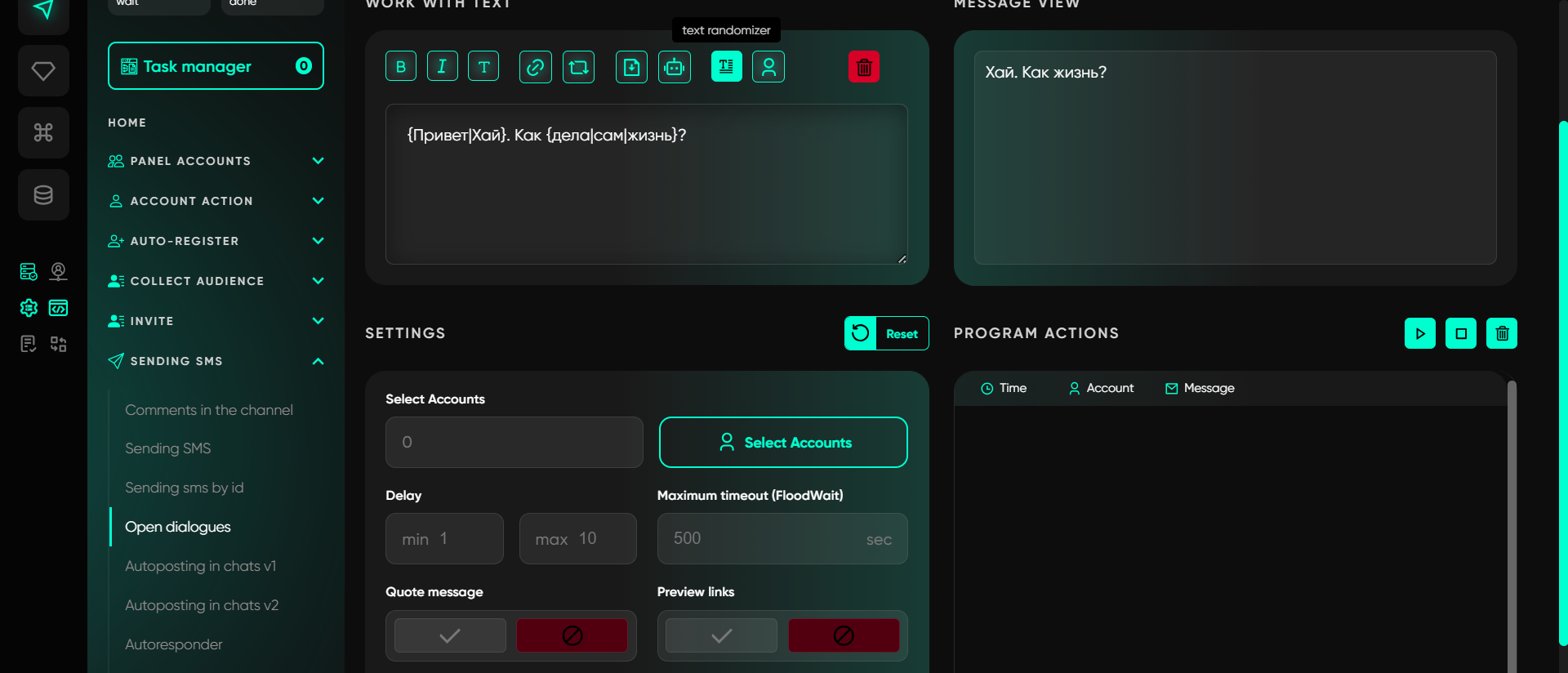
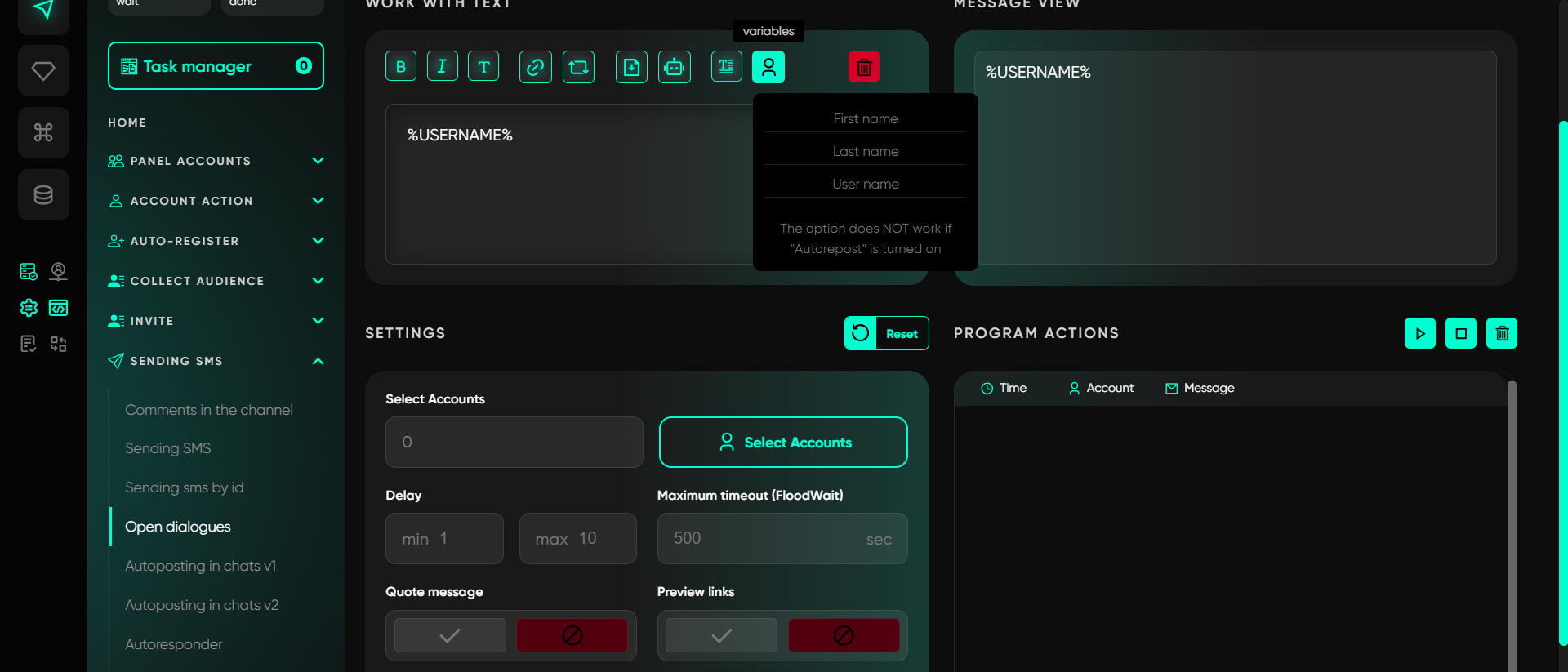
Message view
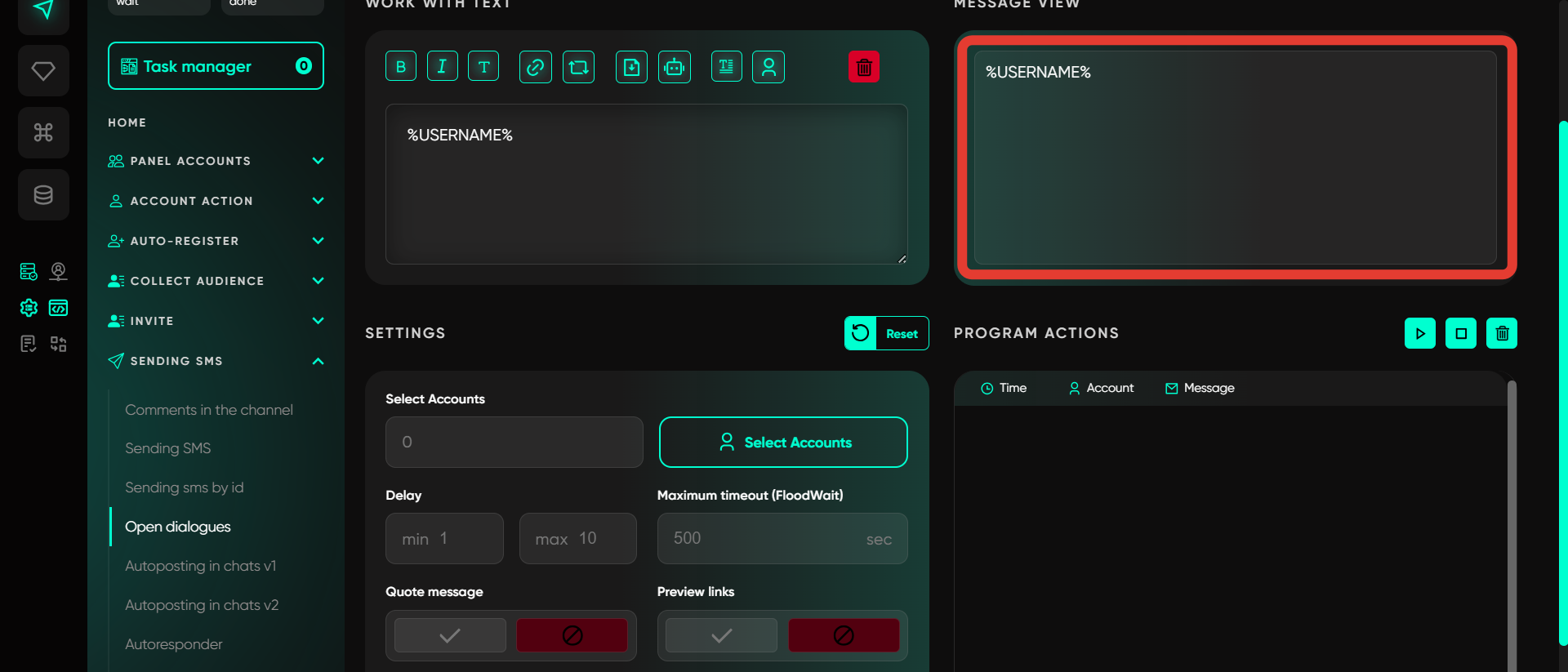
Before sending, you can check how the message will appear in the chat. This ensures that all text elements, links, and formatting are displayed correctly, and the message appears as intended. The results section displays only text changes. Files added to the message are not shown here, as they are sent separately from the text content.
Select accounts
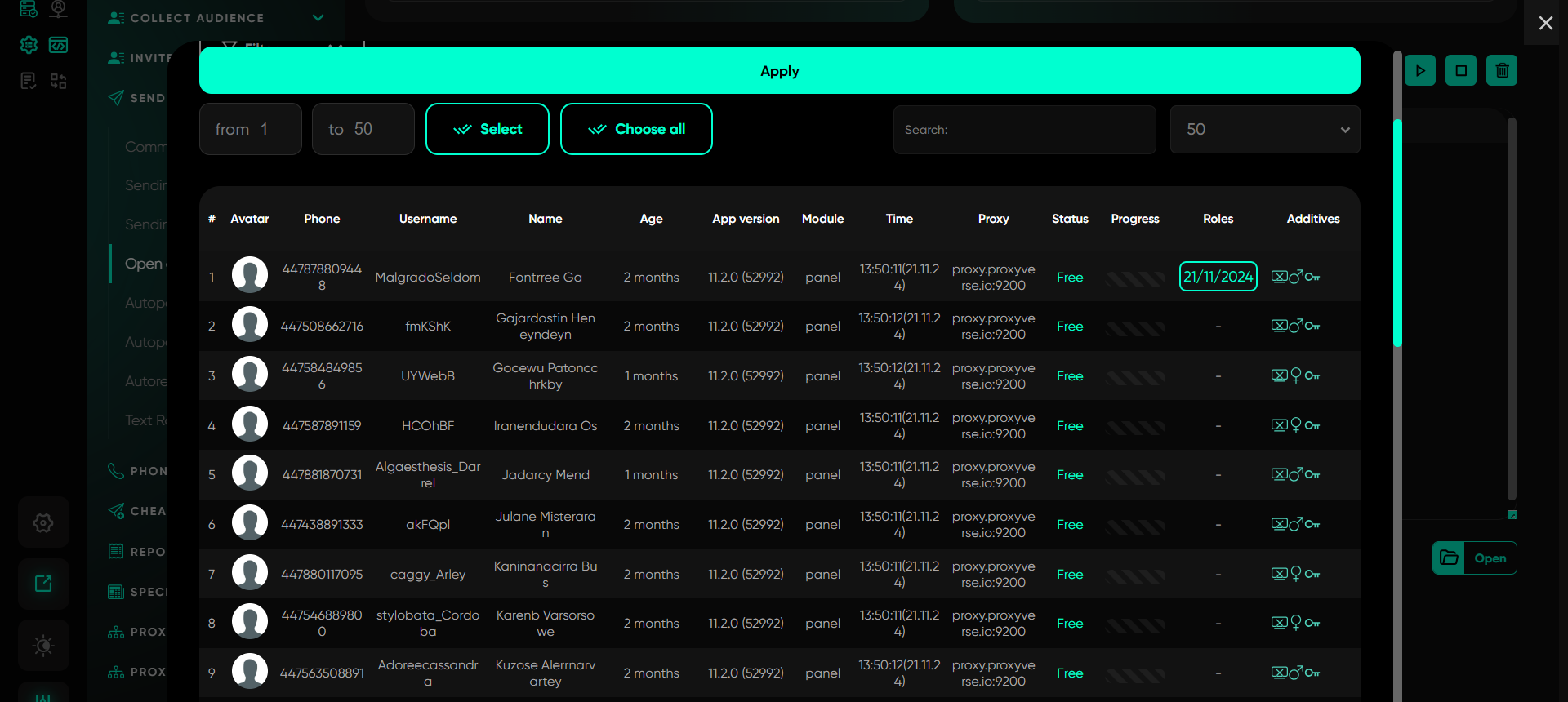
This section allows you to choose the accounts from which messages will be sent. You can configure sending from multiple accounts in a single thread to distribute the load and improve messaging efficiency. Accounts are selected only from the «Active» folder.
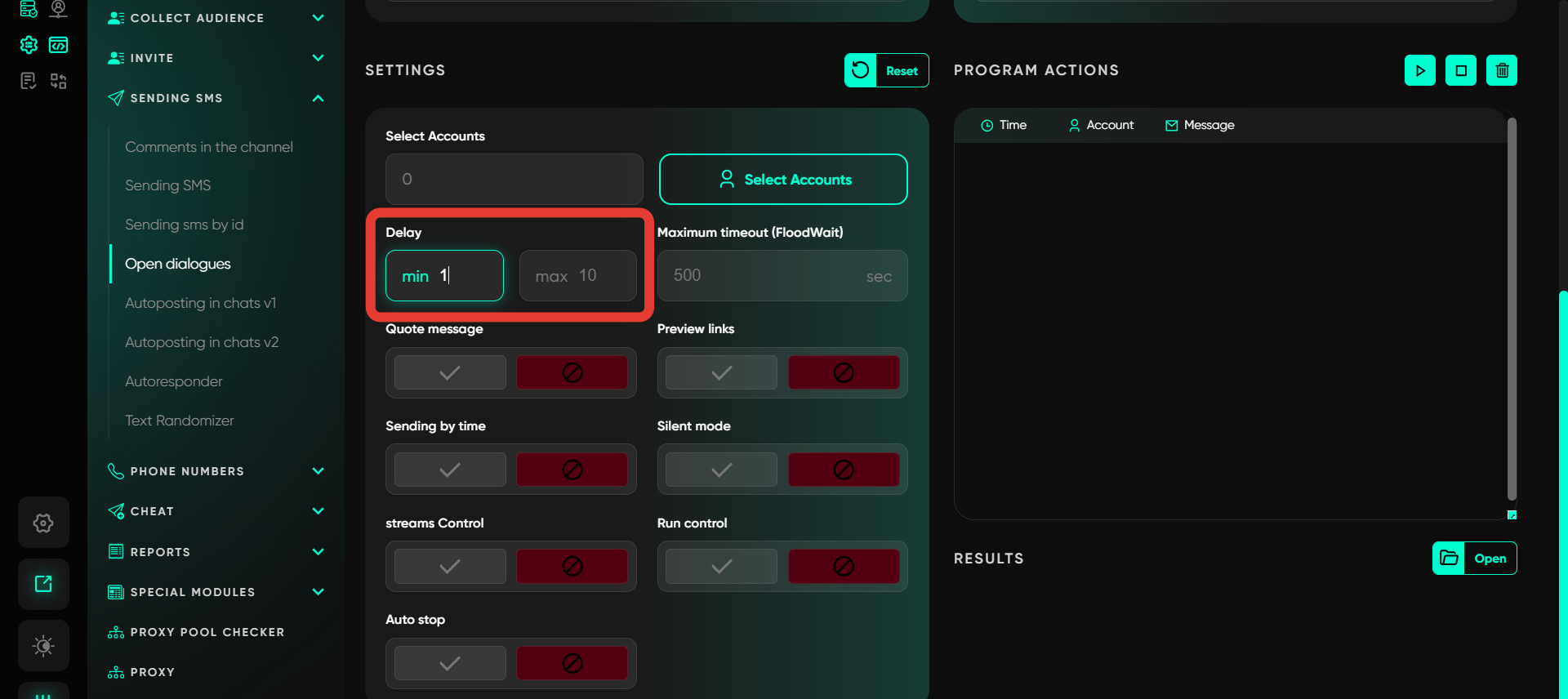
Delay
Set time delays between messages to simulate natural messaging. This helps avoid suspicion of automated sending. Values are specified as a range, for example, from 3 to 5 seconds.
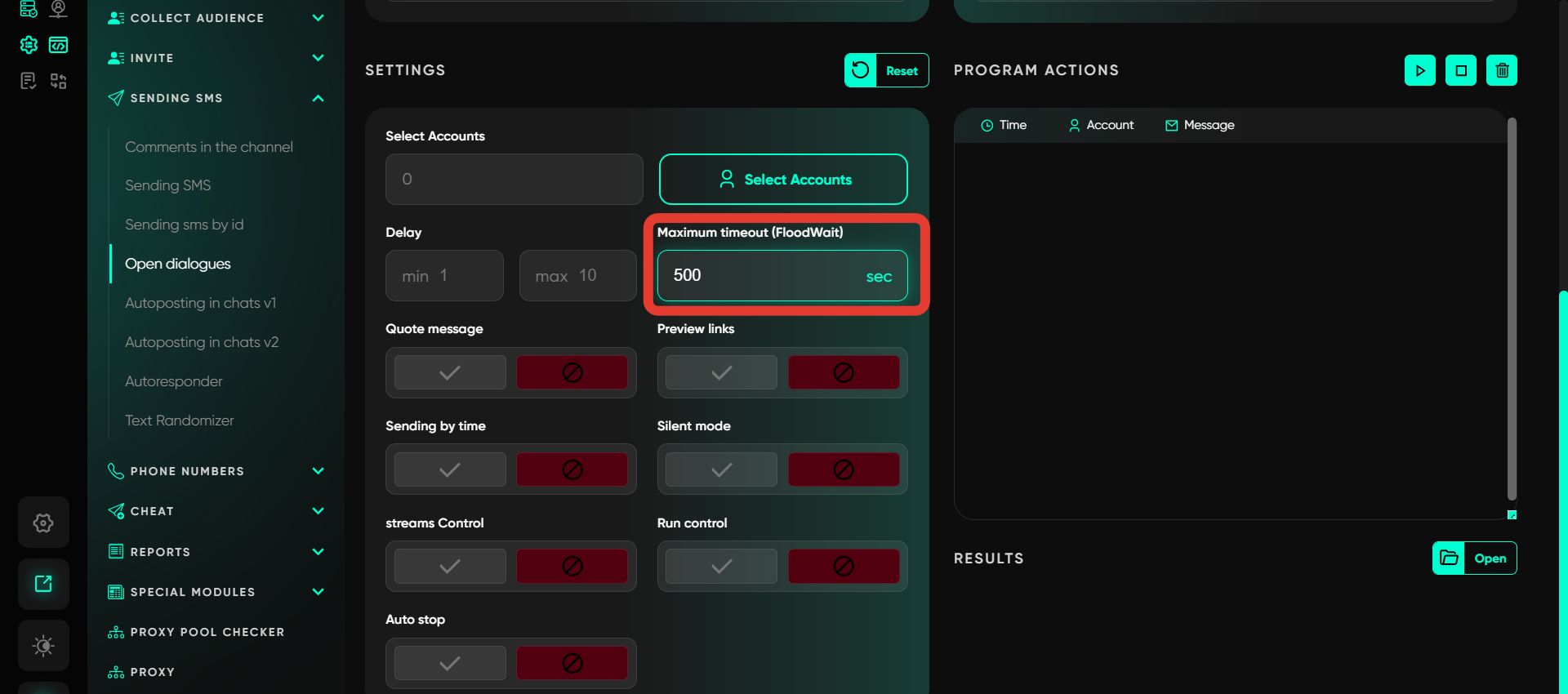
Maximum timeout (FloodWait)
Specify the timeout for flood restrictions. If the restriction lasts longer than the specified time, the account’s operation will pause. If shorter, the software waits and resumes the task.
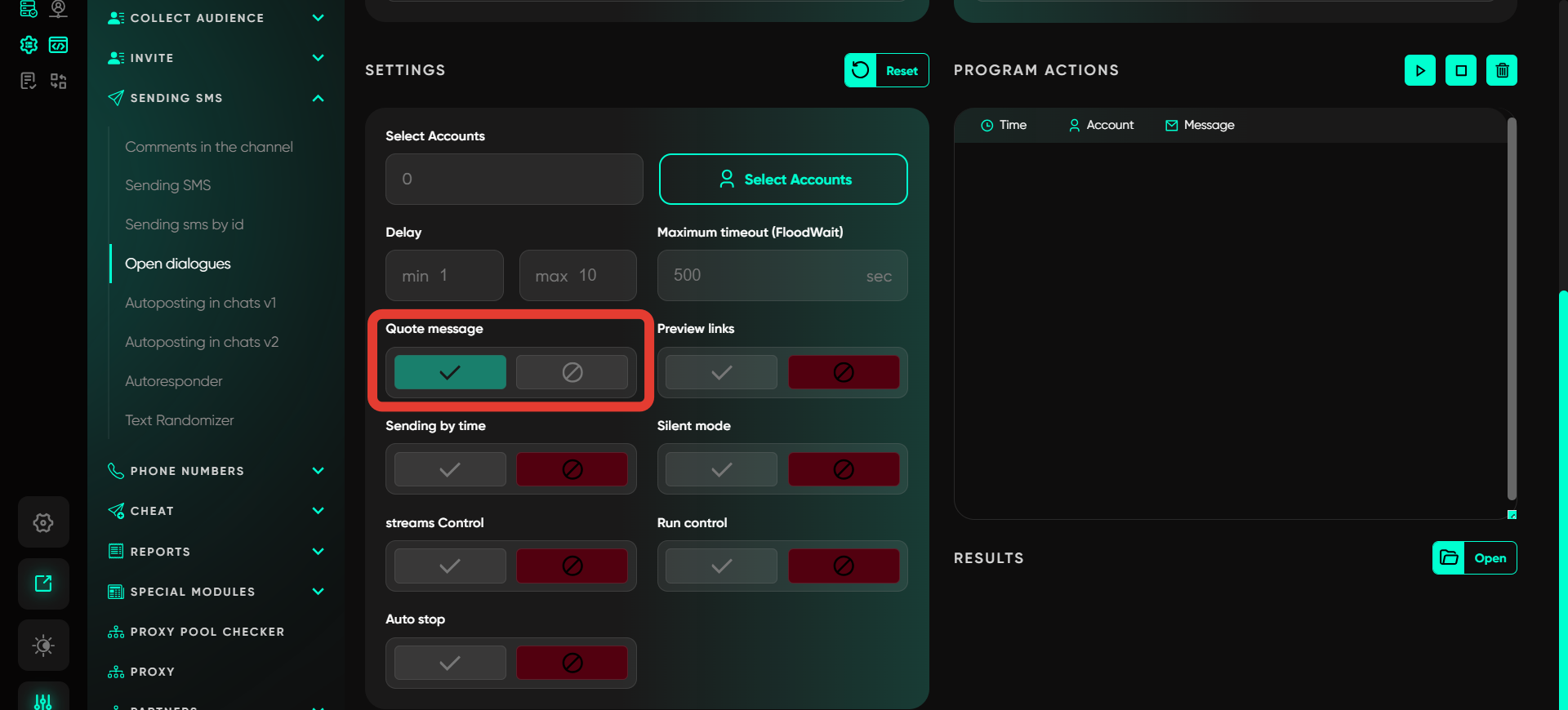
Quote message
Enable this feature to send a new message quoting the previous one. This creates the impression that messages in the chat are being sent manually, making the conversation feel more natural and user-friendly.
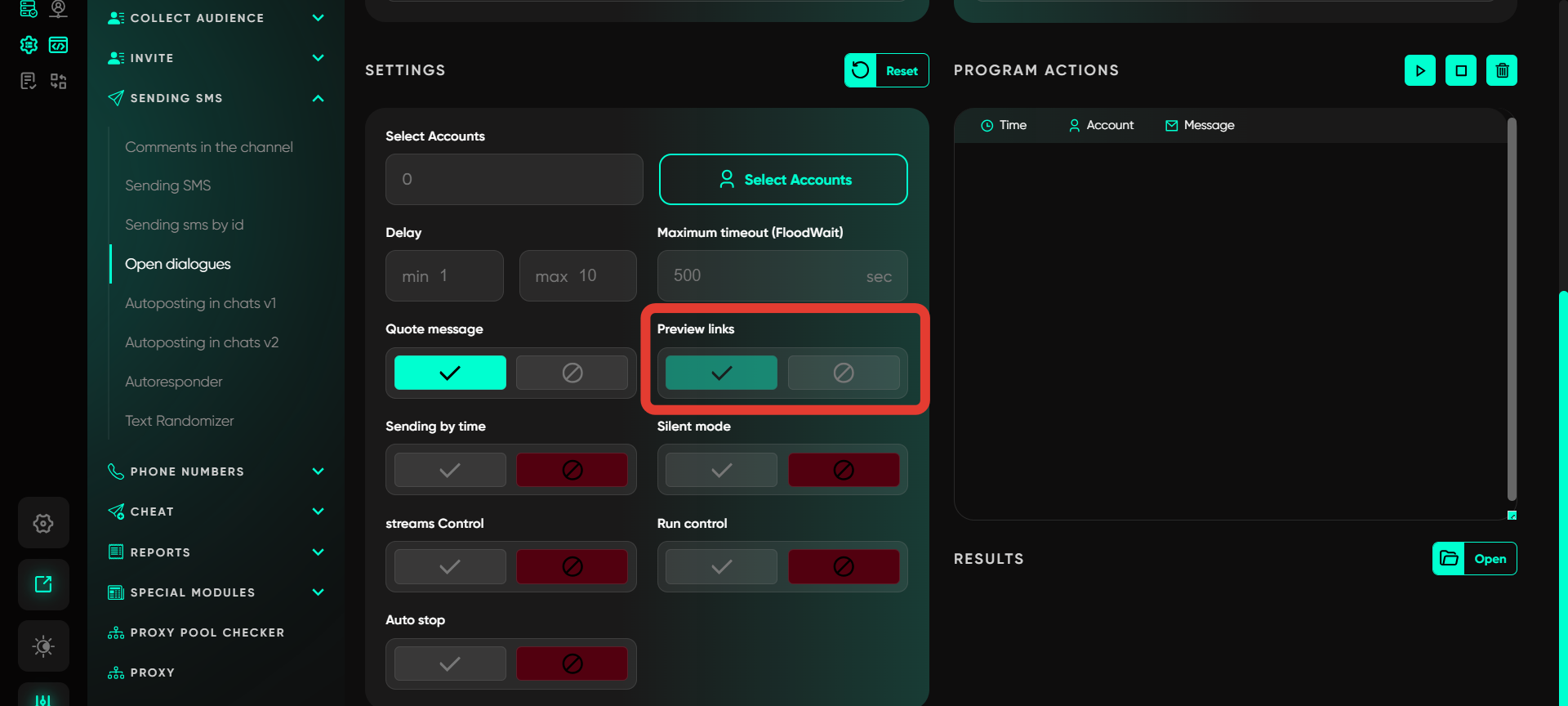
Preview links
This feature enables previewing links in messages. When activated, recipients can see the link’s content directly in the chat, similar to how it works with regular Telegram messages.
Sending by time
This software feature helps create delayed messages with a specified date and time for sending. Spin syntax is supported for selecting random values. The task completes when all scheduled messages are set, and Telegram will automatically send them at the specified time.

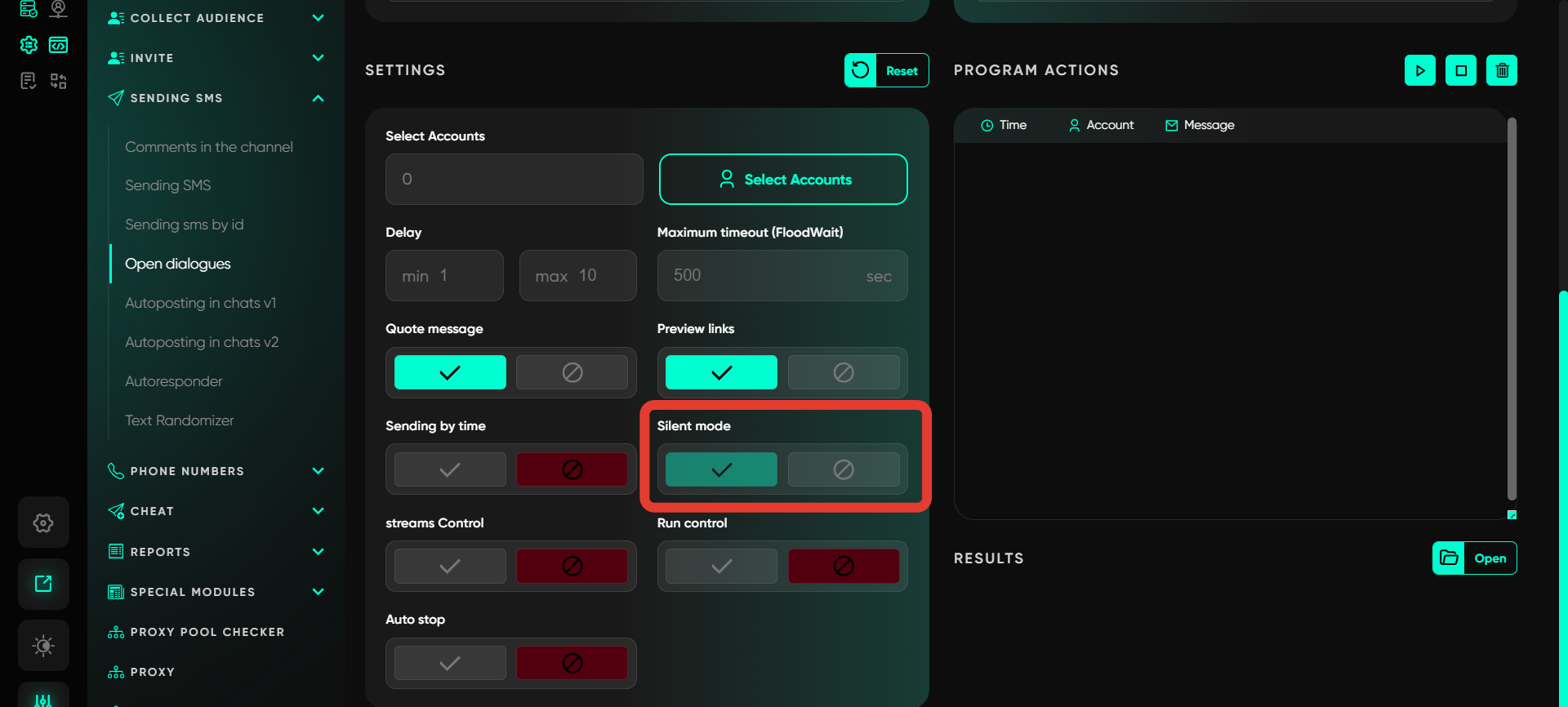
Silent mode
In this mode, messages are sent without notifications for recipients. Notifications about new messages will not appear, reducing the likelihood of blocking or complaints about the messaging.
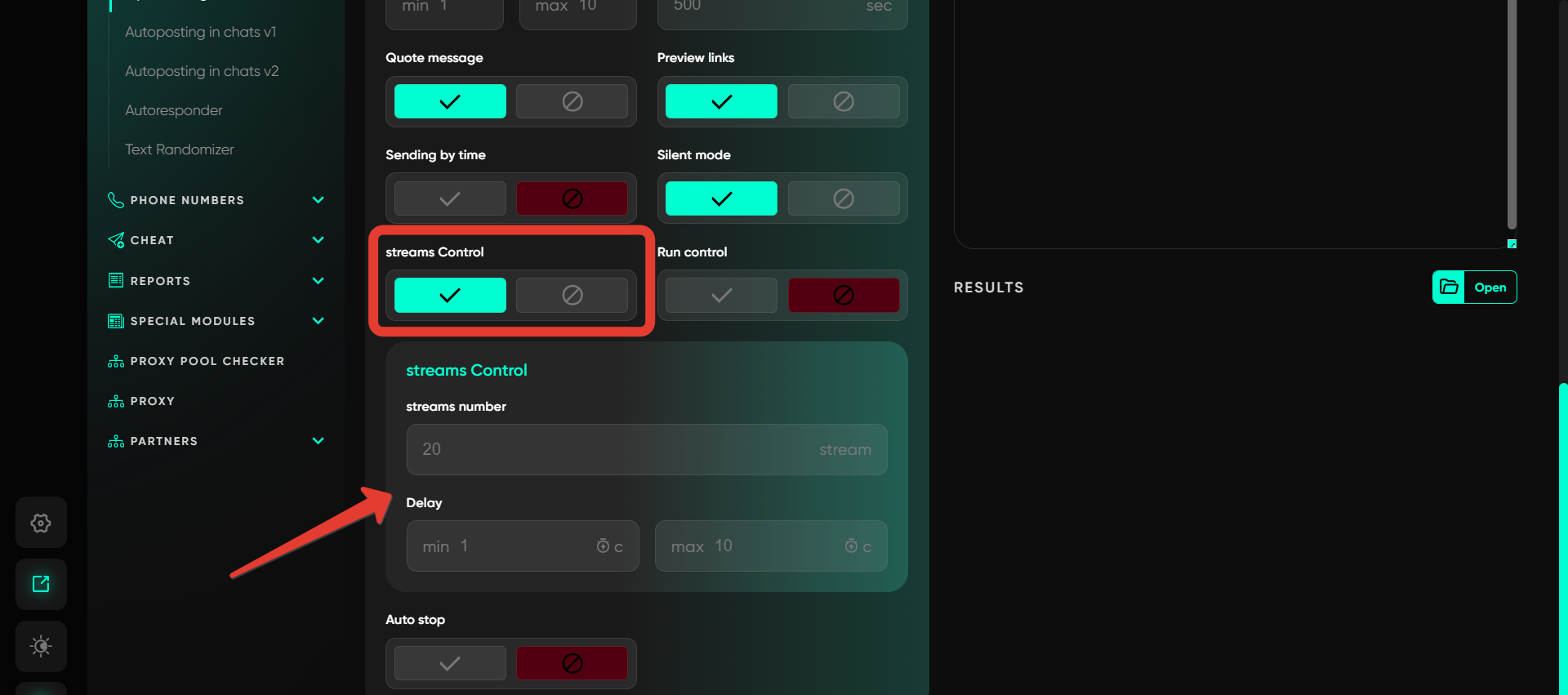
Streams control
This function enables simultaneous message sending across multiple threads. For example, selecting 20 threads with a delay of 30–50 seconds will allow 20 accounts to work simultaneously. When one account completes its task, the program activates a new account and continues, pausing for a random delay within the specified range.
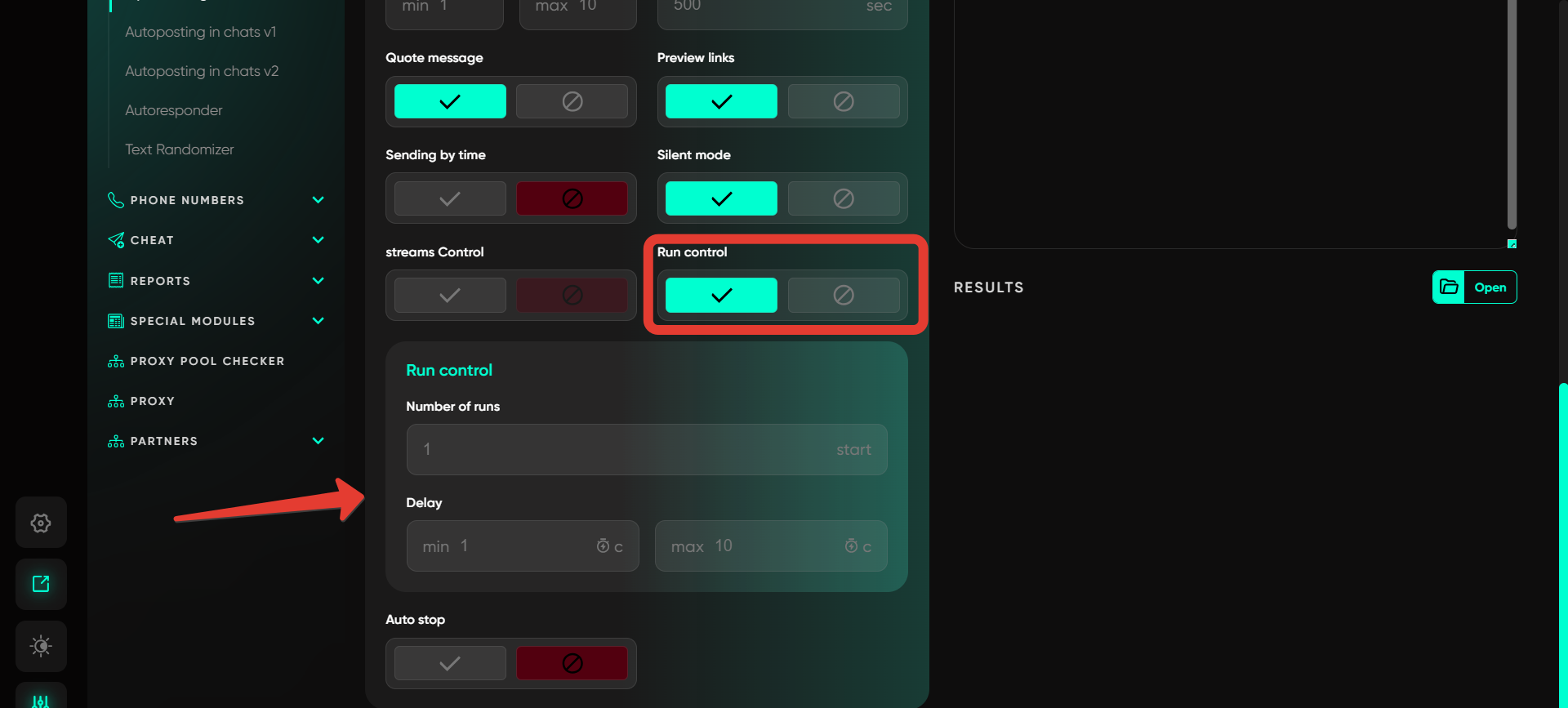
Run control
Configure cyclic sending of messages at specified time intervals. After completing a sending cycle, the system automatically starts a new cycle after the specified interval, maintaining consistent messaging activity.
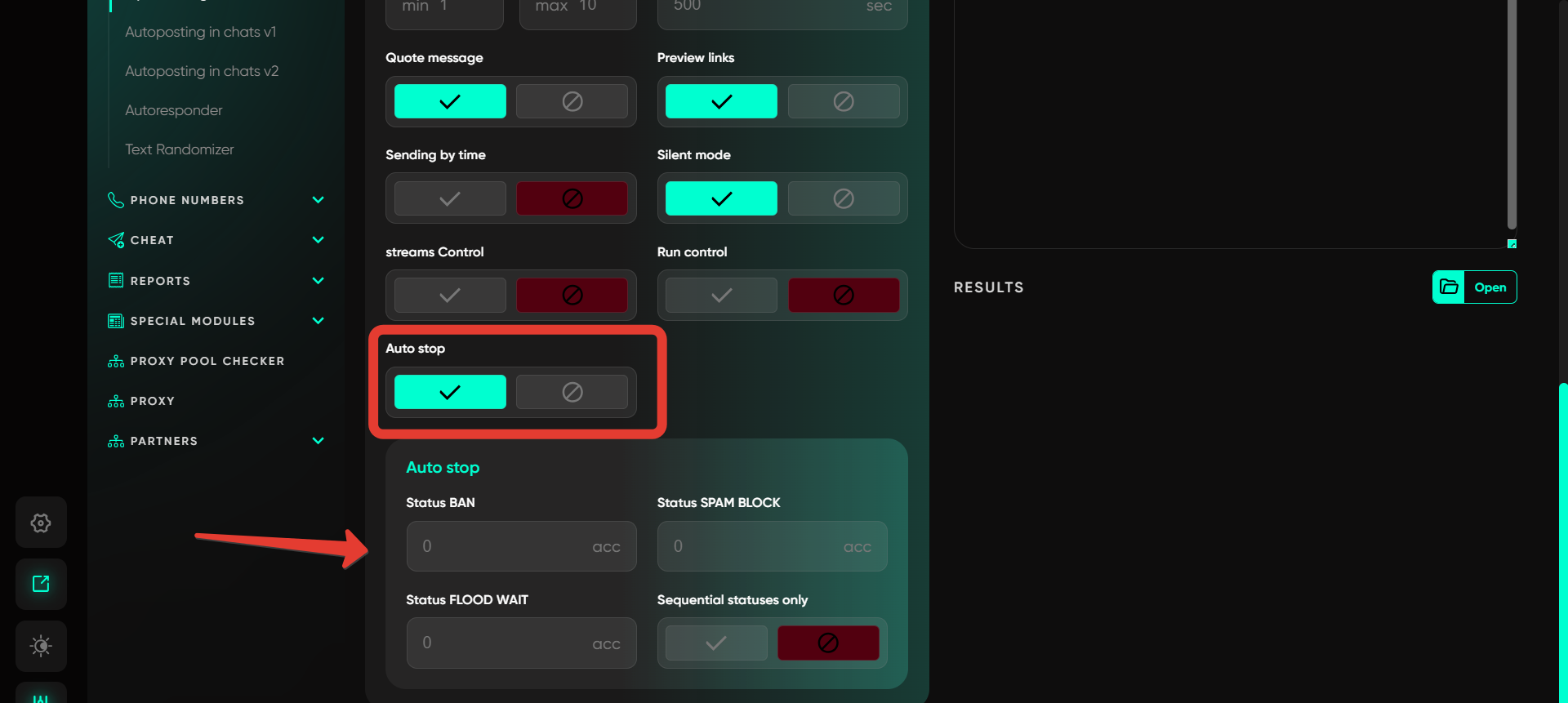
Auto stop
This function pauses message sending if statuses such as Ban, Spam, or FloodWait occur. If the specified threshold is reached (e.g., if 5 accounts receive a status), the messaging is automatically paused, preventing mass blocking.
Important: this website is the only official website of the Telegram Expert project. Licenses, updates, and official technical support are available only through this website. Any other websites offering Telegram Expert are not affiliated with BLB.Team and are either unofficial or fraudulent.
This feature in Telegram Expert
Discover more features of the website
Do not limit yourself to just this page - we have collected the best manuals, useful articles, answers to questions, and real user reviews for you. Go to the section you are interested in to learn more, explore new features, and make your experience on the website as effective as possible.

Download Telegram Expert - software for Telegram promotion
Telegram Expert is professional software for fast channel growth and sales in Telegram. Launch mass mailings and invites, warm up accounts without bans, consolidate dialogs in one place, and scale your team. All in one window - fast, safe, and tailored to your tasks.
What it can do:
- TDATA Converter - массово переводит session+json в TDATA.
- Booster - account warm-up via smart dialogs to increase trust.
- Registrar - account creation via any SMS services with the sms-activate standard.
- Duplicator - a second session for existing accounts for transfer and protection.
- Forwarder - routes incoming replies to a working group and sends replies to clients.
- Interceptor - catches messages by keywords from chats/channels and forwards them to you.
- Invite via admin - invitations even to restricted groups.
- Channel and chat cloner - full copies, including protected content.
- Reporter - mass complaints about messages/users/channels.