
Archive
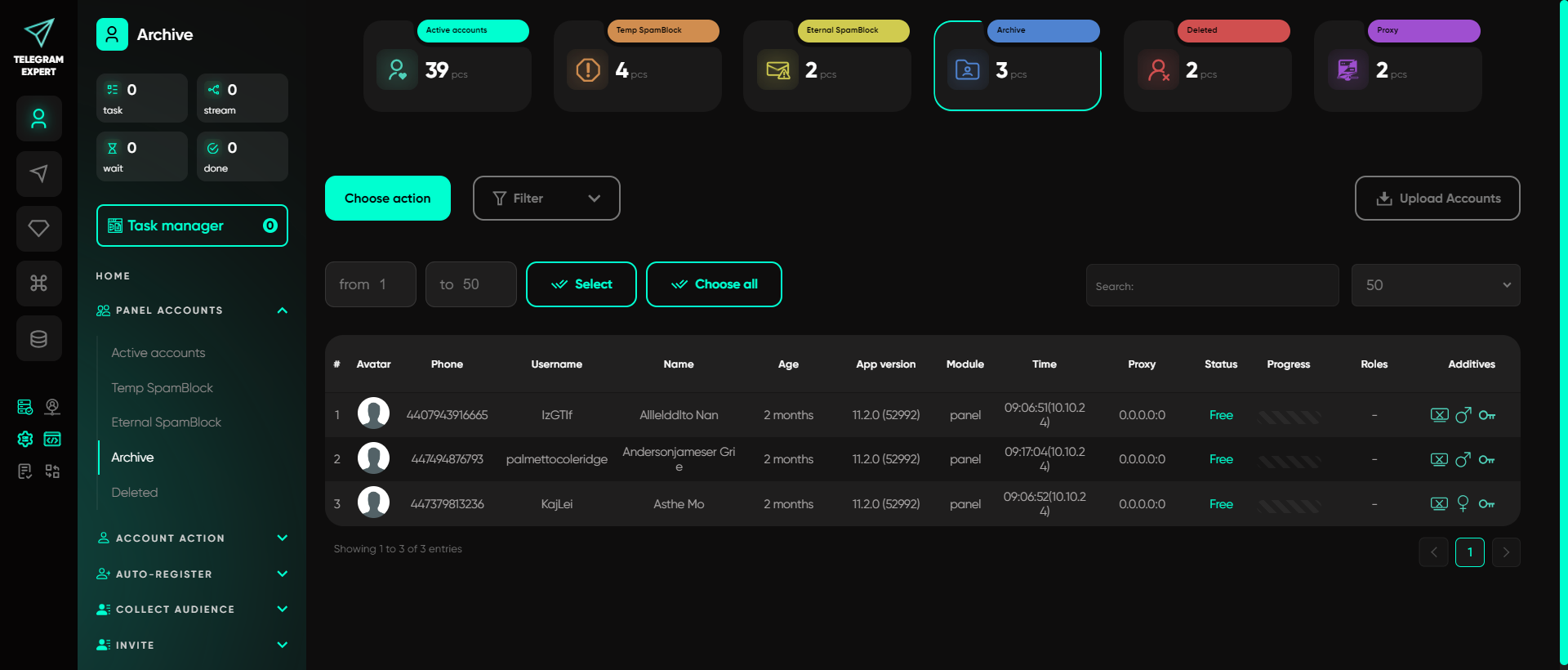
The Archive is a folder for accounts that the user has temporarily decided not to use but might need in the future. The user simply doesn't require these profiles at the moment, so they are moved to this folder for convenient storage. This folder contains accounts that can be retrieved and put to work if needed. These are «deferred» accounts for extreme situations. All information in the profiles is saved, and they can be put to work at any time. However, as long as they are in this folder, they cannot be used in Telegram Expert modules. Working in modules is only possible with accounts in the «Active» folder, so move accounts you wish to use back to that folder in advance.
Important: this website is the only official website of the Telegram Expert project. Licenses, updates, and official technical support are available only through this website. Any other websites offering Telegram Expert are not affiliated with BLB.Team and are either unofficial or fraudulent.
Discover more features of the website
Do not limit yourself to just this page - we have collected the best manuals, useful articles, answers to questions, and real user reviews for you. Go to the section you are interested in to learn more, explore new features, and make your experience on the website as effective as possible.
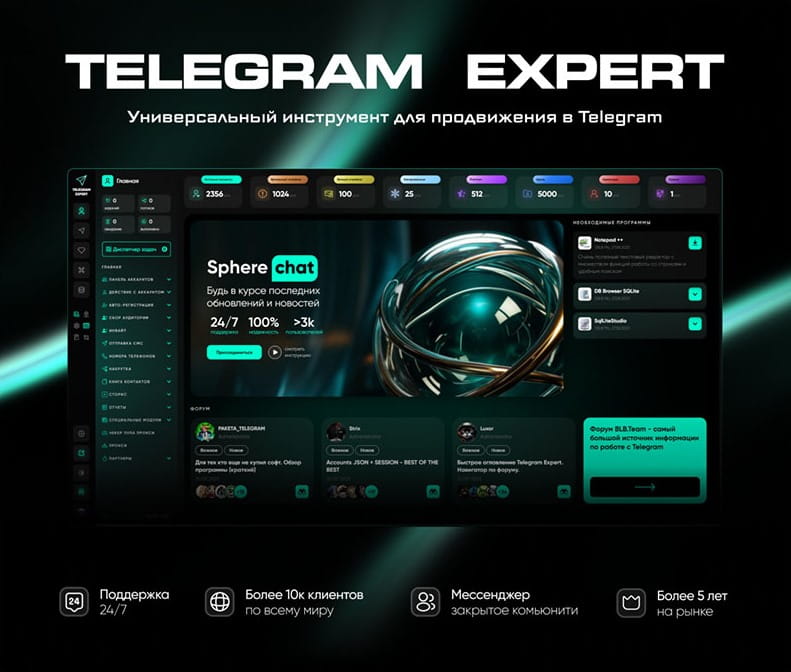
Download Telegram Expert - software for Telegram promotion
Telegram Expert is professional software for fast channel growth and sales in Telegram. Launch mass mailings and invites, warm up accounts without bans, consolidate dialogs in one place, and scale your team. All in one window - fast, safe, and tailored to your tasks.
What it can do:
- TDATA Converter - массово переводит session+json в TDATA.
- Booster - account warm-up via smart dialogs to increase trust.
- Registrar - account creation via any SMS services with the sms-activate standard.
- Duplicator - a second session for existing accounts for transfer and protection.
- Forwarder - routes incoming replies to a working group and sends replies to clients.
- Interceptor - catches messages by keywords from chats/channels and forwards them to you.
- Invite via admin - invitations even to restricted groups.
- Channel and chat cloner - full copies, including protected content.
- Reporter - mass complaints about messages/users/channels.