
Telegram in Marketing: How to Scale Without Bans with MostLogin and Telegram Expert
Telegram is no longer just a messenger. Today, it is a powerful marketing ecosystem that companies use to attract and retain customers. But as the platform grows in popularity, so do the risks: account bans, action limits, and difficulties with scaling. How can you work in Telegram professionally without losing accounts? The answer lies in combining specialized automation software with an anti-detect browser. Let’s take a closer look at how MostLogin and Telegram Expert help build a stable promotion system.
Telegram as a Marketing Hub
Telegram is used by marketers, media buyers, online business owners, infobusiness projects, crypto ventures, and e-commerce brands. The messenger can serve both as an independent traffic source and as a conversion point for audiences coming from other channels.
Main traffic sources that lead users to Telegram:
Google Ads and Yandex Direct
Facebook Ads
native advertising and influencers
ad networks and Telegram seeding
organic search
Once a user enters Telegram, that traffic needs to be monetized. This is where promotion tools come into play.
Main Ways to Promote in Telegram
Marketers combine several methods to achieve the best possible results.
Channels. The most popular format. Channels are used to publish content, sell advertising, and run affiliate programs. For a channel owner, this is a way to build an audience and monetize it.
Bots. Telegram bots automate lead generation, account warming, registrations, and content delivery. Bots can be used to run quizzes, collect leads, and process orders — all without human involvement.
Mailings. Direct messages to users remain one of the most effective communication channels. Businesses use mass, trigger-based, and newsletter-style campaigns. But sending thousands of messages manually is simply not realistic.
Inviting. Adding users to chats and channels helps grow a base quickly. The method works, but it requires caution so accounts do not get banned.
Activity boosting. Views, reactions, and comments all increase trust in a channel and help it grow faster.
When scaled, each of these methods runs into the same obstacle: Telegram restrictions and the risk of account bans.
Why Telegram Is Difficult to Scale Manually
When you work with one or two accounts, there are almost no issues. But as soon as you need to manage dozens of sessions, send thousands of messages, or parse audiences, the difficulties begin:
Telegram strictly limits actions on new and “cold” accounts.
Repetitive actions from the same IP address or device quickly lead to spam blocks.
Mass registration and mass messaging require automation; otherwise, they take weeks.
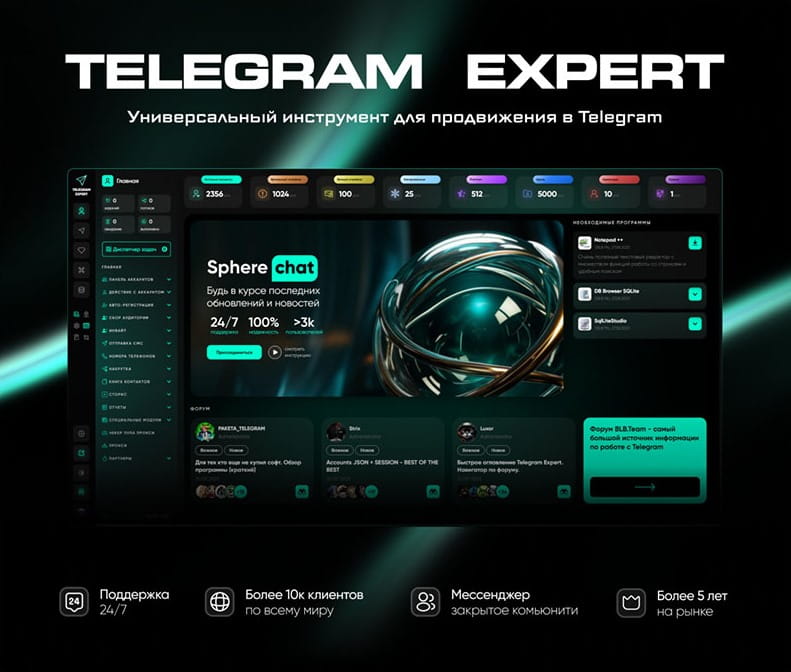
Specialized software helps solve these problems — for example, Telegram Soft Expert. It is a multifunctional solution that automates the entire workflow, from account registration and warming to mailings, inviting, parsing, and activity boosting.
Telegram Expert lets you manage hundreds of accounts from a single window, perform bulk actions, remove restrictions, and collect audiences from chats and channels. But even with such a tool, one important detail remains: the accounts themselves must be “clean” in terms of their digital fingerprint.
The Identification Problem: Why You Need an Anti-Detect Browser
Telegram, like other platforms such as Google and Facebook, tracks not only the IP address but also device parameters: screen resolution, installed fonts, user agent, WebGL, cookies, and dozens of other characteristics. If you run multiple accounts in a regular browser or through Telegram Desktop, all of them will have the same digital fingerprint. For Telegram, this is a signal that the accounts belong to the same person and are being used for automated actions. The result is account bans.
This issue becomes especially serious when working through Telegram Web. Many actions are more convenient in the web version, especially when you use several accounts for administration or monitoring. But if you log into Telegram Web from a regular browser without profile isolation, the accounts are quickly exposed.
This is exactly where an anti-detect browser comes in. It is a browser that allows you to create fully isolated environments with unique fingerprints for each profile.
MostLogin: a Tool for Safe Account Management
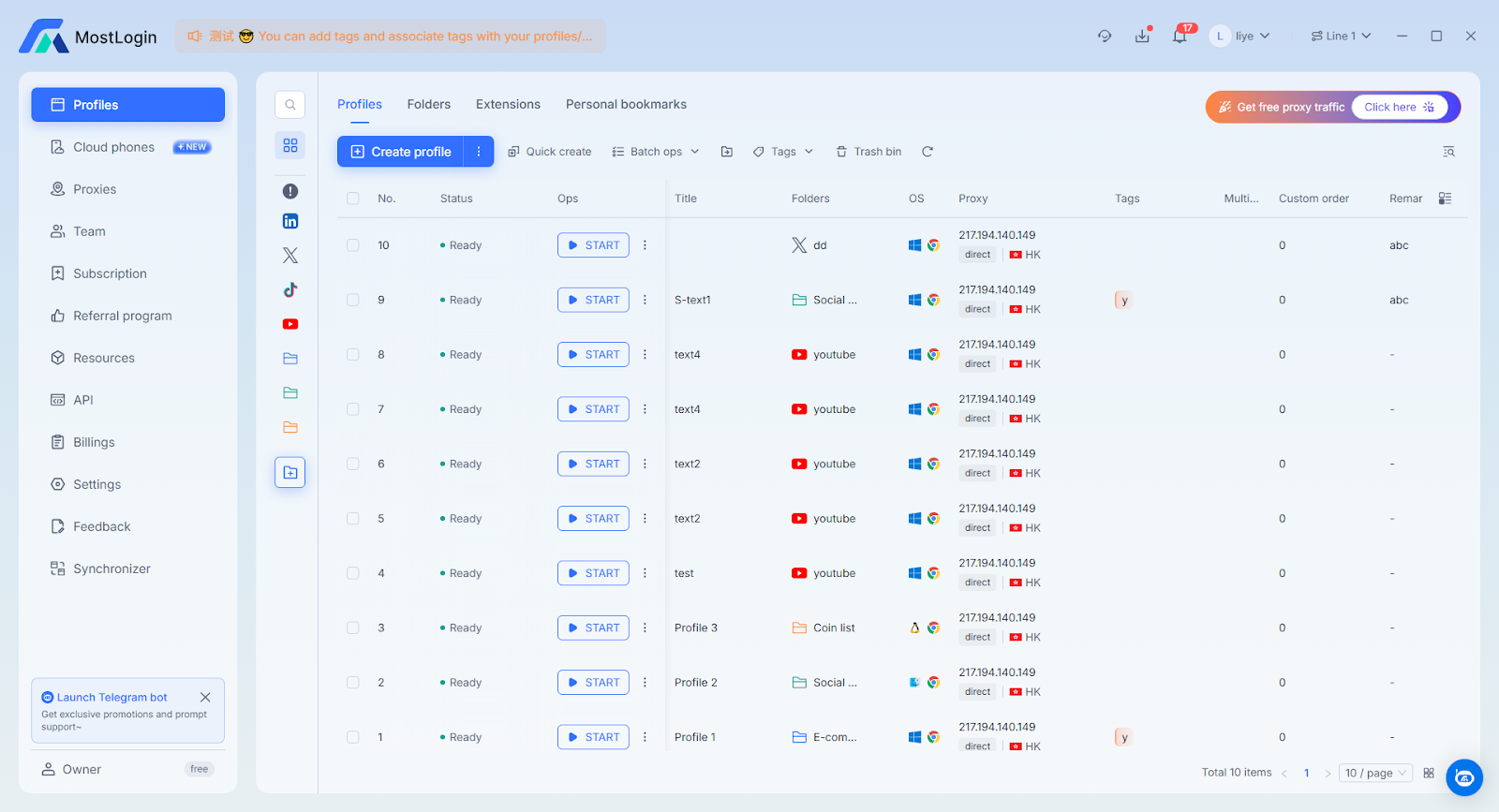
MostLogin is an anti-detect browser designed specifically for professional work with a large number of accounts. In it, you create separate profiles, each of which imitates a real device with its own fingerprint, cookies, and history.
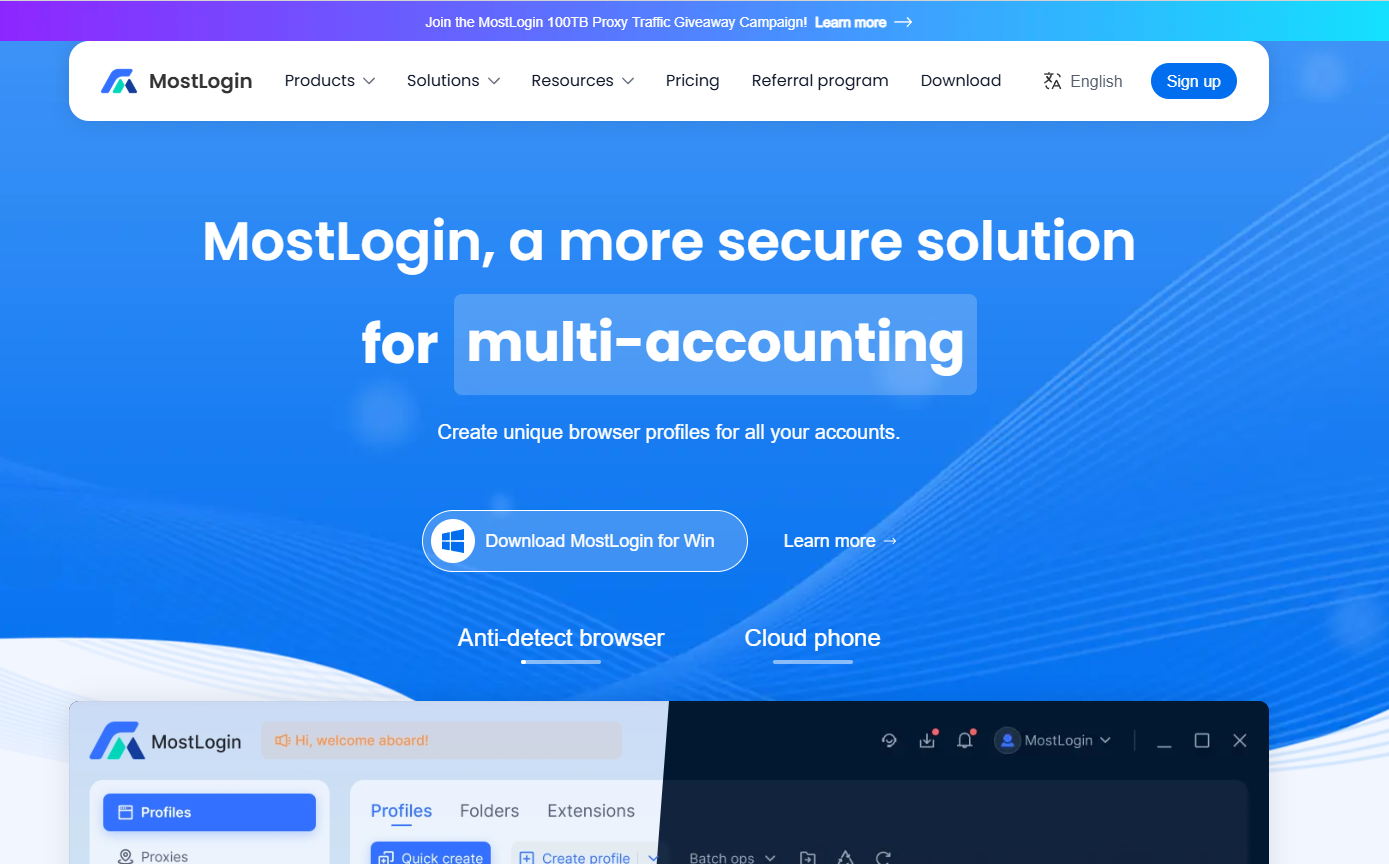
Key features of MostLogin:
Unique profiles. Each profile has individual parameters, which prevents accounts from being identified as connected.
Proxy support. A separate proxy can be assigned to each profile (IPv4, IPv6, or mobile). This allows you to work from different geos and avoid IP-based bans.
Team collaboration. You can grant profile access to colleagues, distribute accounts among team members, and monitor their actions.
Automation. MostLogin supports an API, which makes it easy to integrate with other tools.
With MostLogin, you can work with dozens of Telegram accounts in the web version at the same time, log into Facebook and Google ad accounts, manage social media — and each profile will look like a separate real user.
A Typical Workflow for a Marketer Using MostLogin and Telegram Expert
Let’s imagine a typical project:
A marketer drives traffic from Facebook Ads and Google Ads to a Telegram channel or bot.
In Telegram, the user lands in a bot that collects contacts and warms them up.
Telegram Expert mailings are then used for follow-up touches.
At the same time, audience parsing from niche chats and inviting are used to expand the base.
All of these operations are performed automatically through Telegram Expert. MostLogin, in turn, is used for working with ad accounts and for manual account control. MostLogin profiles ensure a unique environment, so Facebook and Google do not see that all ad accounts belong to one person. And Telegram does not block the accounts involved in mailings because they are not “exposed” through a shared browser.

Bottom Line: Scaling Without Risk
Telegram remains one of the most flexible channels for marketing, but using it professionally requires the right approach to account security. Telegram Soft Expert handles automation tasks, while MostLogin creates an isolated digital environment for each account. Together, these tools make it possible to scale campaigns without fear of bans or restrictions.
If you plan to work seriously with Telegram, do not neglect an anti-detect browser. It is not just an extra option but a necessity for stable long-term work. MostLogin gives you the “clean” infrastructure on which successful Telegram marketing is built.
Want to try MostLogin in action? Download the browser from the official website and create your first profile for Telegram Web today. And for automation, connect Telegram Expert — and your campaigns will reach a whole new level.
Important: this website is the only official website of the Telegram Expert project. Licenses, updates, and official technical support are available only through this website. Any other websites offering Telegram Expert are not affiliated with BLB.Team and are either unofficial or fraudulent.
Download Telegram Expert - software for Telegram promotion
Telegram Expert is professional software for fast channel growth and sales in Telegram. Launch mass mailings and invites, warm up accounts without bans, consolidate dialogs in one place, and scale your team. All in one window - fast, safe, and tailored to your tasks.
What it can do:
- TDATA Converter - массово переводит session+json в TDATA.
- Booster - account warm-up via smart dialogs to increase trust.
- Registrar - account creation via any SMS services with the sms-activate standard.
- Duplicator - a second session for existing accounts for transfer and protection.
- Forwarder - routes incoming replies to a working group and sends replies to clients.
- Interceptor - catches messages by keywords from chats/channels and forwards them to you.
- Invite via admin - invitations even to restricted groups.
- Channel and chat cloner - full copies, including protected content.
- Reporter - mass complaints about messages/users/channels.
No one has left a comment yet

How does IP infrastructure increase business efficiency in Telegram
Every day, billions of people around the world use Telegram. Some rely on it to stay connected with friends and colleagues. Others publish content to build influence and attract followers. Many join Telegram communities to exchange ideas, discuss challenges, and seek answers. Increasingly, younger users are spending significant amounts of time on the platform. With nearly 450 million daily active users and steady growth, Telegram has become a digital ecosystem that businesses simply cannot ignor...
White page analysis: why it got banned — an affiliates perspective
Almost everyone has encountered this situation: the bundle looks fine, the white page is neat, the policies are in place — and yet it still gets banned. The most frustrating thing is that in 70% of cases, the problem is not with the offer or even the account. The problem is with the white page itself. White page is the moderator's first point of contact with your link. And this is where critical mistakes are most often made. Let's analyze the main reasons why even a “beautiful” white page ...
How to use network gateways in Telegram: real-world use cases and tools
[media mw=100]3235[/media] Network gateways in Telegram are used to manage IP addresses and network connections. They let you build a traffic routing layer: distribute requests across addresses, define access conditions, and separate sources of activity. Using IP relays is used to solve the following tasks: connecting to Telegram in networks with access restrictions; distributing the load across IPs - reducing the concentration of requests on a single address; separating sessi...

Telegram Promotion: Software for Channel and Business Growth
Telegram as the Main Promotion Tool Today, Telegram has become one of the most popular platforms for communication and business. People create sales channels, launch online stores, promote personal brands, and run advertising campaigns here. But with rising competition comes the key question: how to effectively promote a Telegram channel and attract subscribers, clients, and orders? Traditional methods are no longer enough. Simply posting occasionally or sending rare newsletters will not bri...