
White page analysis: why it got banned — an affiliates perspective
Almost everyone has encountered this situation: the bundle looks fine, the white page is neat, the policies are in place — and yet it still gets banned. The most frustrating thing is that in 70% of cases, the problem is not with the offer or even the account. The problem is with the white page itself.
White page is the moderator's first point of contact with your link. And this is where critical mistakes are most often made.
Let's analyze the main reasons why even a “beautiful” white page gets rejected.
1. The white page looks like a pre-landing, not a website
This is the most common mistake.
When a moderator opens the page and sees:
one screen;
a couple of paragraphs of text;
one button;
minimal navigation;
for them, it is not a website, but a technical pre-landing to the offer.
Even if the text is unique, the structure gives away that it is a placeholder.
What should be there:
a full menu;
several logical sections;
internal pages;
a footer with policies;
the feeling of a “live” project.
A white page must look like an independent resource.
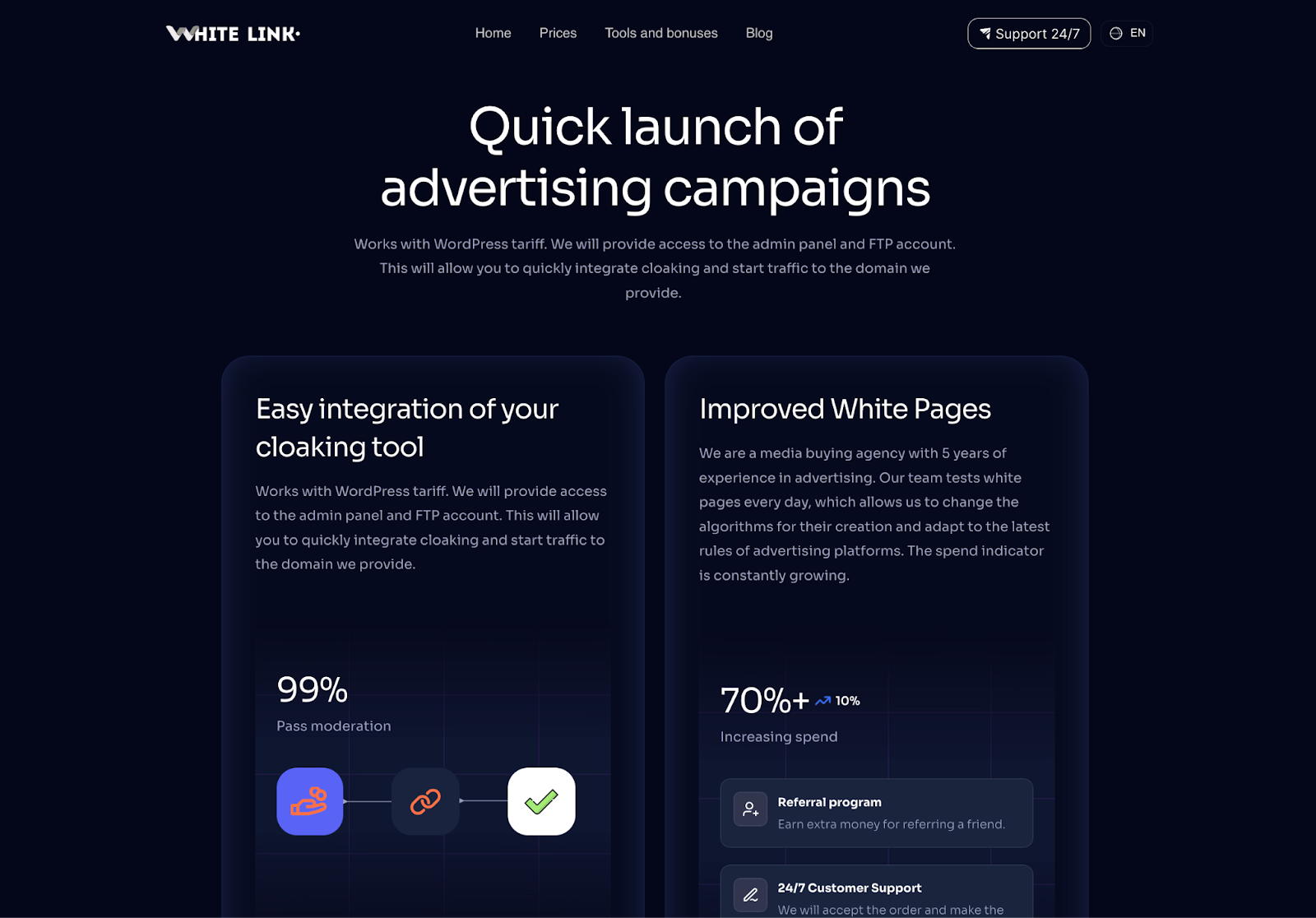
We have found a service that meets all the requirements of various advertising platforms. White Link is a professional service for creating white pages. Each site is made manually, and all texts are written by copywriters, which allows them to be unique and pass moderation. Before ordering, tell the service support your traffic source and promo code TelegramExpert, which gives you a 10% discount on all rates.
2. Content written “for sale”
A white page may be white in form, but black in meaning.
Phrases such as:
“the best solution” “unique method”
“guaranteed result”
“get rid of it forever”
are triggers for moderation.
Even without directly mentioning the product, such wording is perceived as hidden advertising. A good white page is informative. It explains the topic rather than pushing for action.
3. Lack of trust elements
A very common reason for bans is a lack of trust.
If there is no:
About Us;
project description;
contacts;
article author;
company history;
the moderator sees an empty shell.
This is especially critical for health, finance, and any YMYL niches. Add a face to the project, even if it's just a token one.
4. Legal pages “for show”
Privacy Policy and Terms are there, but:
they are empty;
they are template-based;
they do not mention the domain;
they do not include contact information.
Moderators have long learned to distinguish real policies from copy-paste.
If the policy is not related to the site, it immediately counts against the account's karma.
5. Technical glitches
Sometimes a ban comes not because of the content at all.
Typical problems:
no SSL;
long loading times;
mobile version breaks down;
broken links;
crooked fonts.
For a person, these are minor issues. For an automated system, they are risk signals.
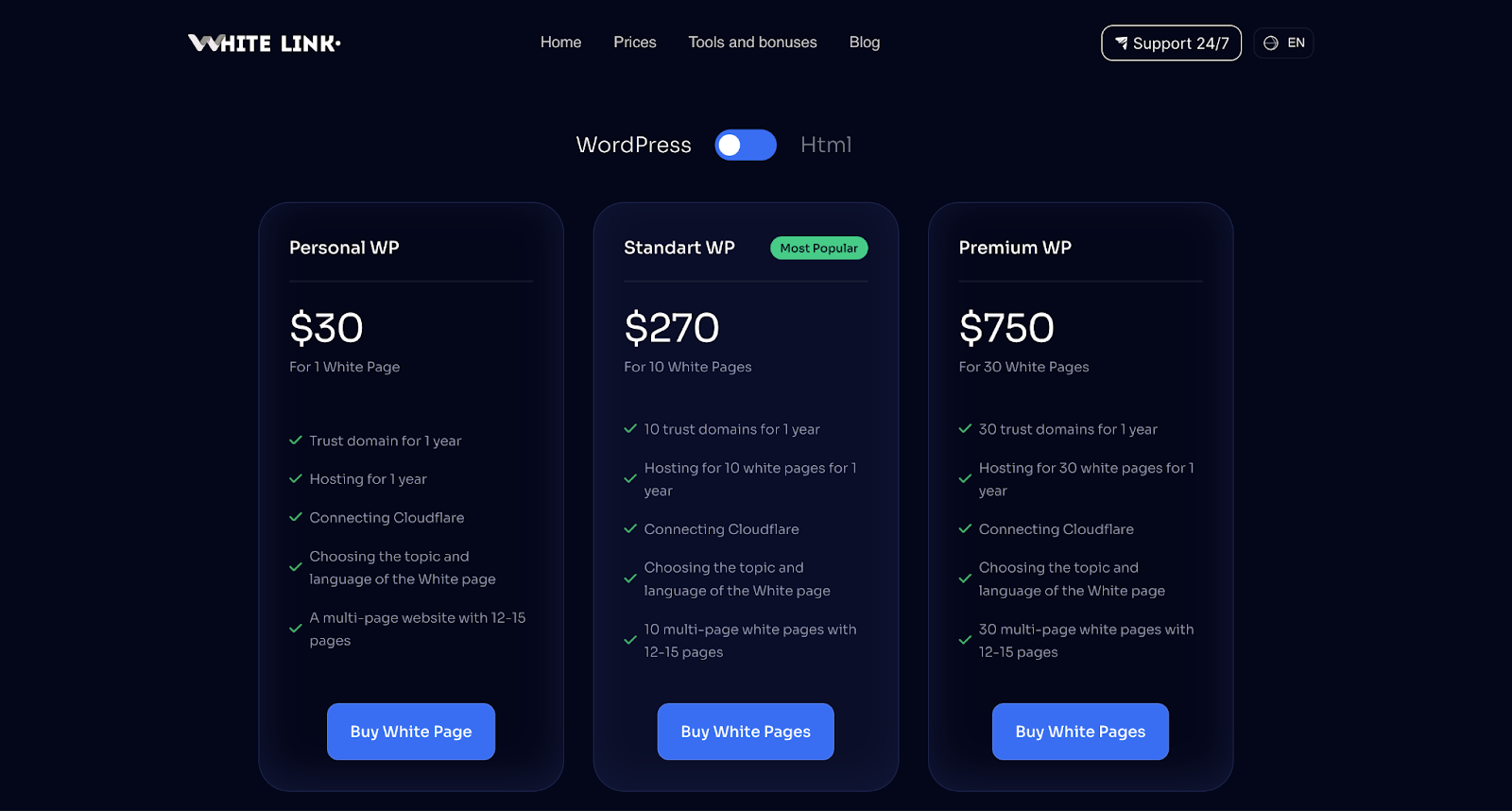
The white page should work perfectly on all devices. In turn, White Link WP tariffs include a domain with a waiting period + hosting. Each domain is assigned an SSL certificate.
6. Mismatch with advertising
Another hidden reason. If the ad says one thing and the white page says another, it's a mismatch.
Example:
advertisement about health → white page about lifestyle → further inside.
Such discrepancies are easily detected by algorithms. The white page should logically continue the meaning of the ad.
7. Reused template
When the same template is used across dozens of accounts, it quickly ends up in databases. Even if you change the text, the structure remains the same.
The result: mass rejections. Uniqueness is not only about content, but also about the layout of blocks.
8. Too “sterile” website
Paradoxically, a perfectly polished white page also raises suspicion.
Real websites have:
imperfect texts;
different image styles;
a lively structure.
When everything looks like a studio landing page, it's a red flag.
Conclusion
A white page gets banned not because of “bad luck.” There is almost always a specific reason:
a padded structure;
a salesy tone;
a lack of trust;
technical errors;
templates.
The white page is the foundation of the bundle. If it is weak, no account will save it.
Treat the safe page as a full-fledged project, not a consumable, and the approval rate will increase significantly.
Important: this website is the only official website of the Telegram Expert project. Licenses, updates, and official technical support are available only through this website. Any other websites offering Telegram Expert are not affiliated with BLB.Team and are either unofficial or fraudulent.
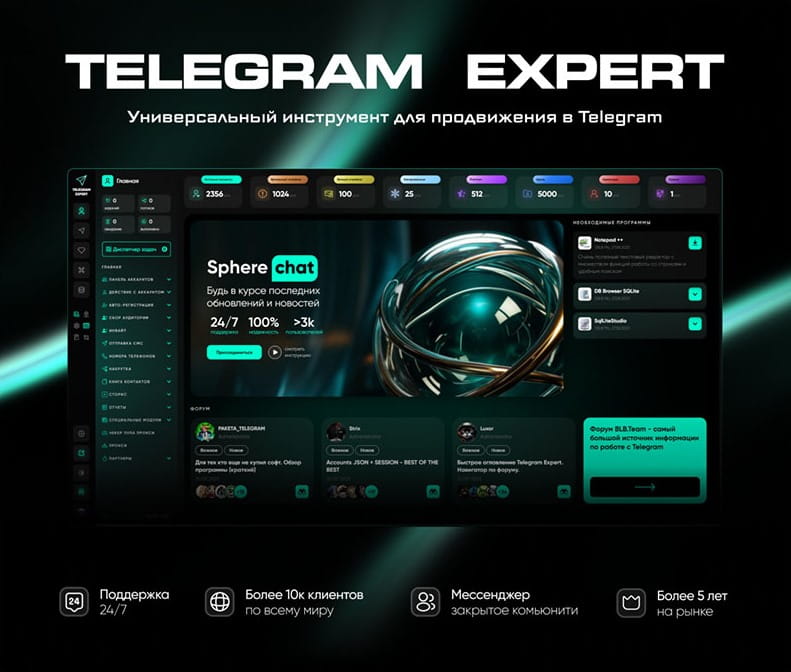
Download Telegram Expert - software for Telegram promotion
Telegram Expert is professional software for fast channel growth and sales in Telegram. Launch mass mailings and invites, warm up accounts without bans, consolidate dialogs in one place, and scale your team. All in one window - fast, safe, and tailored to your tasks.
What it can do:
- TDATA Converter - массово переводит session+json в TDATA.
- Booster - account warm-up via smart dialogs to increase trust.
- Registrar - account creation via any SMS services with the sms-activate standard.
- Duplicator - a second session for existing accounts for transfer and protection.
- Forwarder - routes incoming replies to a working group and sends replies to clients.
- Interceptor - catches messages by keywords from chats/channels and forwards them to you.
- Invite via admin - invitations even to restricted groups.
- Channel and chat cloner - full copies, including protected content.
- Reporter - mass complaints about messages/users/channels.
No one has left a comment yet
Competitor Analysis on Telegram: How to Scrape Data Without Hitting the Limits
Telegram has long outgrown its role as "just a messenger" — for many niches, it's the primary channel for reaching an audience: channels, chats, bots, mini-apps. And wherever there's an audience, there's competition. Marketers, SMM specialists, and product teams increasingly keep an eye not only on their own channels but on their competitors' as well: how many subscribers they have, how often they post, how strong their engagement is, and which topics resonate most. It sounds simple enough — ...

Telegram Groups: How to Turn a Chat into a Calm and Productive Lounge
A Telegram group is where your monologue turns into dialogue, and the audience forms a habit of returning not just to read but to talk. A well-organized group accelerates “Telegram promotion”: it generates topics for your channel, tests ideas, and builds trust. Rules and greetings that don’t scare people away Create a short welcome message: what the chat is about, what’s on topic, and how fast moderators reply. Explain in simple words why rules exist — to keep things comfortable, to prev...
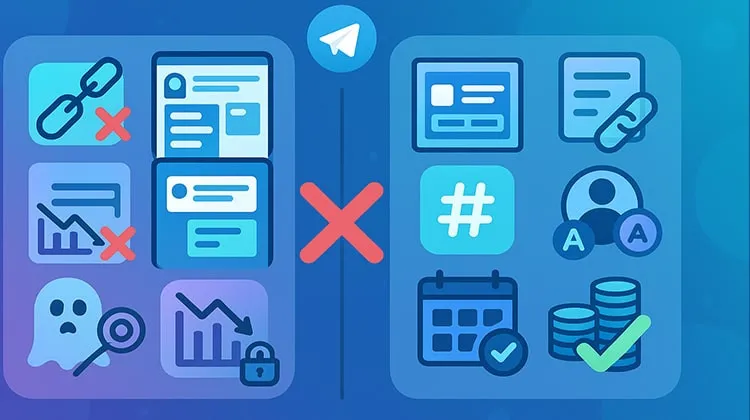
Why people don’t subscribe to your Telegram channel: standard fixes that actually work
Traffic is coming in but subscriptions stall? In most cases the leak is on the first screen, unclear value and extra friction before the subscribe button. These are practical, tool‑agnostic recommendations you can apply today. Clarity on the first screen One‑sentence value proposition + clear posting cadence in the description. Pin a compact offer with a starter pack (checklist, template, mini‑guide). Name and avatar Memorable, niche‑hinting name and a high‑contrast avatar that stays rea...
Telegram Infrastructure Without Weak Links: What to Check and How Telegram Expert and Pay2.House Help Cover Key Tasks
table { border-collapse: collapse; width: 100%; color: #ffffff; background-color: transparent; } th, td { border: 1px solid #666666; padding: 10px 8px; text-align: left; background-color: #1a1a1a; } th { background-color: #2a2a2a; } A Telegram advertising launch rarely fails because of one major issue. More often, the problem appears at the intersection of several small ones: an employee lacks the required access, a card fails ...