
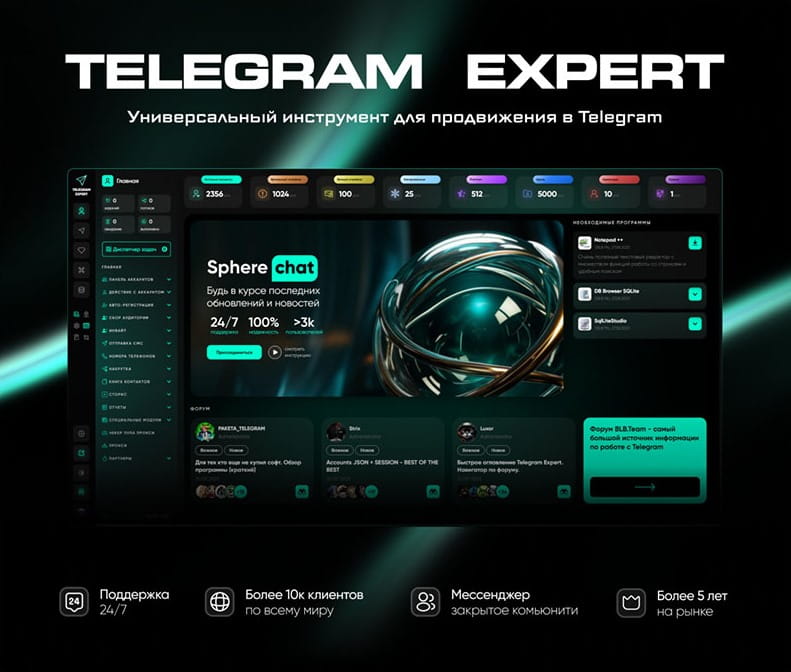
Download Telegram Expert - software for Telegram promotion
Telegram Expert is professional software for fast channel growth and sales in Telegram. Launch mass mailings and invites, warm up accounts without bans, consolidate dialogs in one place, and scale your team. All in one window - fast, safe, and tailored to your tasks.
What it can do:
- TDATA Converter - массово переводит session+json в TDATA.
- Booster - account warm-up via smart dialogs to increase trust.
- Registrar - account creation via any SMS services with the sms-activate standard.
- Duplicator - a second session for existing accounts for transfer and protection.
- Forwarder - routes incoming replies to a working group and sends replies to clients.
- Interceptor - catches messages by keywords from chats/channels and forwards them to you.
- Invite via admin - invitations even to restricted groups.
- Channel and chat cloner - full copies, including protected content.
- Reporter - mass complaints about messages/users/channels.
No one has left a comment yet

A Telegram Channel for Affiliate Marketing: When It Beats Direct Traffic Buying
In affiliate marketing, the usual workflow is to choose an offer, select a traffic source, run a test, and use the results to decide whether to refine the campaign or scale it. You can get initial data without spending months building a publishing platform of your own. But when you stop advertising, new visits from that paid source stop too. If you have not maintained a connection with the user, reaching them again may mean paying again. Your own Telegram channel lets you retain some of the...

Telegram Channels: How to Build a Brand Voice and Turn Reading into a Habit
A Telegram channel is not just a news feed. It’s a place where your point of view shows up regularly and recognizably, and the audience receives predictable value. When people search for “Telegram promotion,” “how a channel grows,” or “content plan for a channel,” they don’t need a bag of tricks but a clear system — promise, rhythm, format, feedback, and careful analytics. The channel’s promise: what exactly you promise and to whom Formulate a short promise that’s easy to repeat out loud...

Risk-Controlled Telegram Automation: How to Simulate Real User Behavior
body { font-family: Arial, sans-serif; line-height: 1.6; max-width: 960px; margin: 0 auto; padding: 20px; } a { color: #0066cc; text-decoration: underline; } Introduction: Why Automation That Worked Yesterday Gets Accounts Restricted Today Telegram automation is no longer limited to running a script that sends messages, joins channels or performs a predefined sequence of actions. Modern anti-fraud systems evaluate the complete digital context of an account: r...
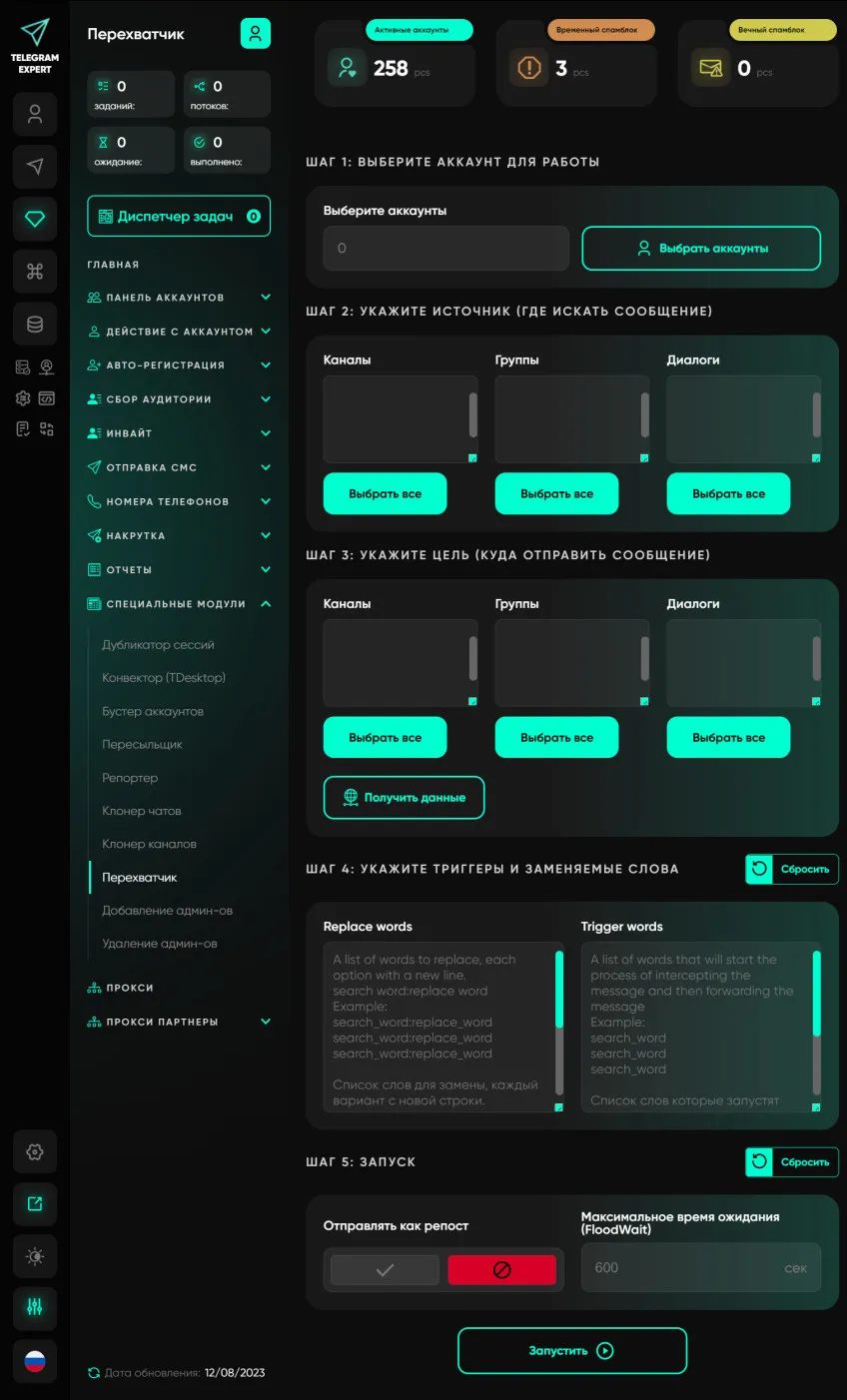
Interceptor
Our software module allows users to monitor groups, channels, conversations and forward all messages containing certain keywords. This module has many applications; you can use it to search for potential clients or to automate the filling of telegrams of groups and channels in real time. This module will become your personal Telegram marketer and will bring a large number of clients. To work with this module, it is recommended to use high-quality elite proxy servers.