
Telegram Expert or Telegram Prime for outreach and client handling
The first outreach campaign is over. The database now contains successful sends and errors, and replies have arrived on the work accounts. A week later you need to launch a new campaign: avoid messaging the same people again, add fresh audience segments, and pass incoming inquiries to employees.
This is exactly the kind of task where it makes sense to compare Telegram Expert with Telegram Prime. Both programs have parsing, messaging, and inviting. But in day-to-day work you also need network intermediary checks, preparation of repeat samples, incoming-message handling, and a consolidated result across several launches.
Telegram Expert is worth considering as an alternative to Telegram Prime if you regularly work with multiple accounts and databases. TE has separate tools for excluding previously processed audiences, checking IP overlaps, collecting direct incoming messages, and combining results. Let’s see how these tools compare with Prime and what they give to a team.
What both programs have
Telegram Expert and Telegram Prime are tools for automating work in Telegram. Both include account management, collection of community members, message authors, and commenters, message sending, group invitations, and autoresponders.
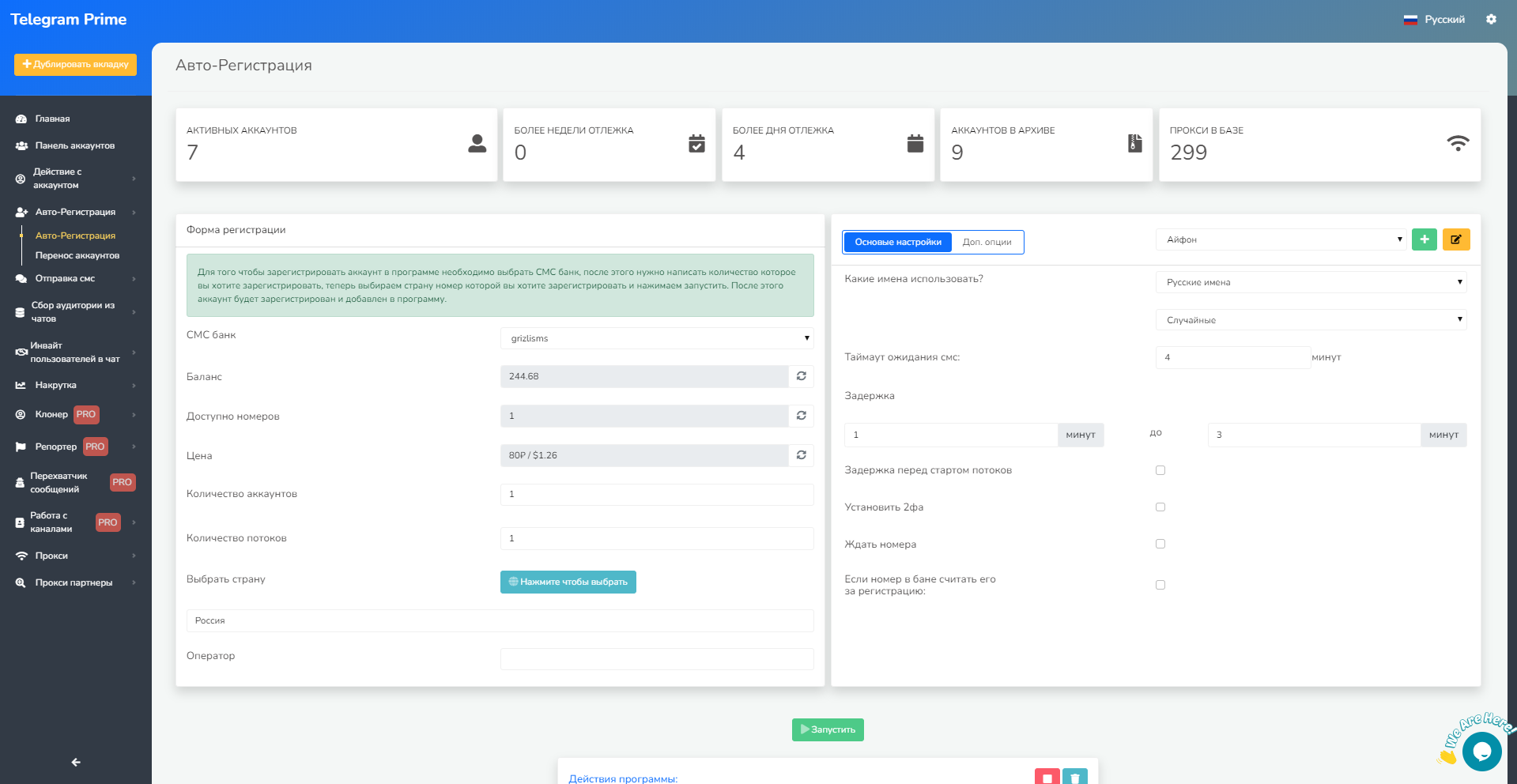
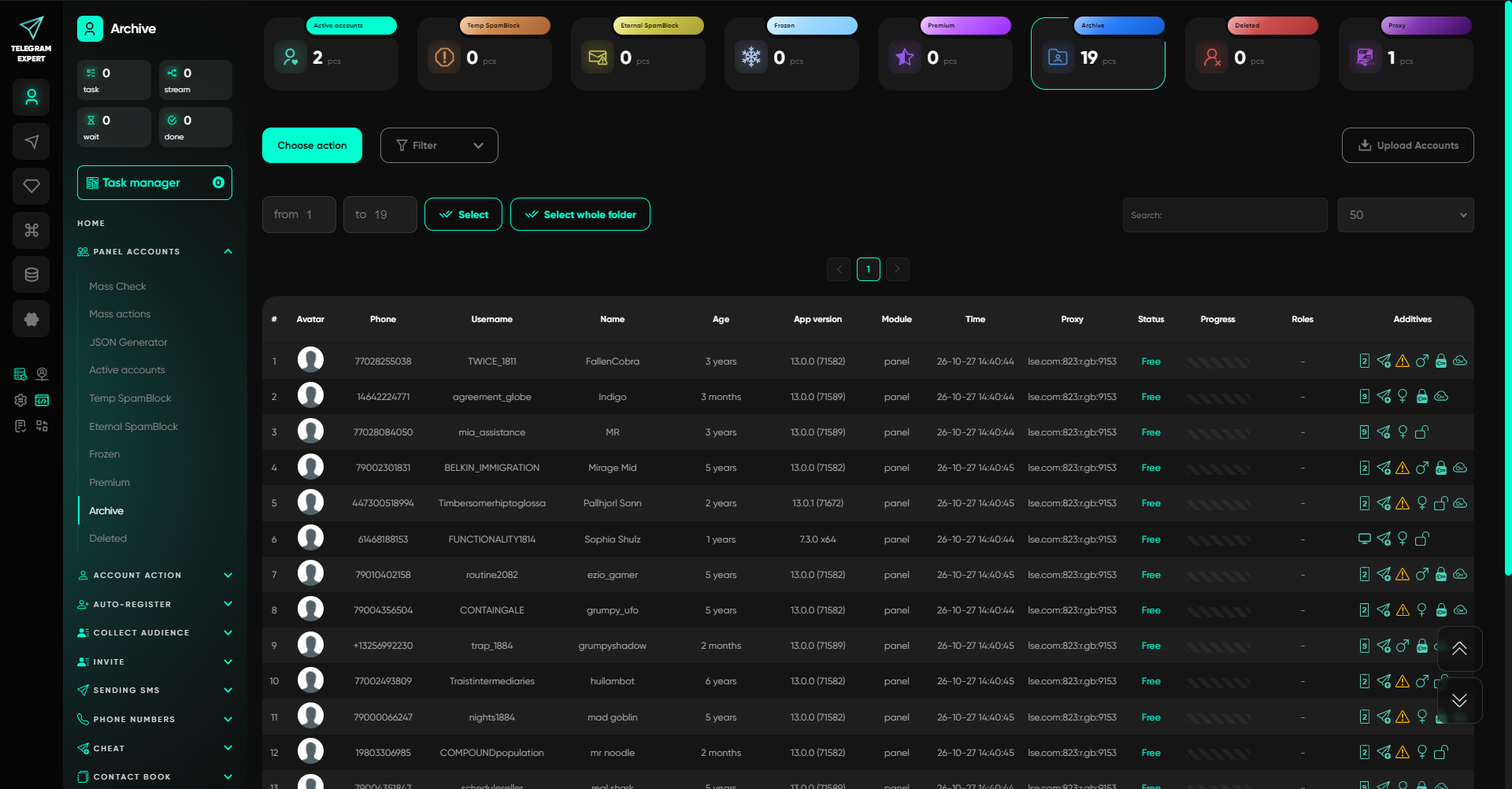
That is why the mere presence of a parser or inviter does not decide the choice. You need to look at your actual task. For a first campaign, it is enough to collect a suitable audience and send messages. For ongoing work, you need to account for previous launches, check infrastructure, and handle replies.
In Telegram Expert, these tasks can be handled as separate operations: check the network intermediary pool, collect a segment, exclude processed users, send a message, receive the reply in a work group, and consolidate the results. Each stage produces data for the next one, so the team can verify everything before moving on.
Network intermediaries in Telegram Prime and Telegram Expert
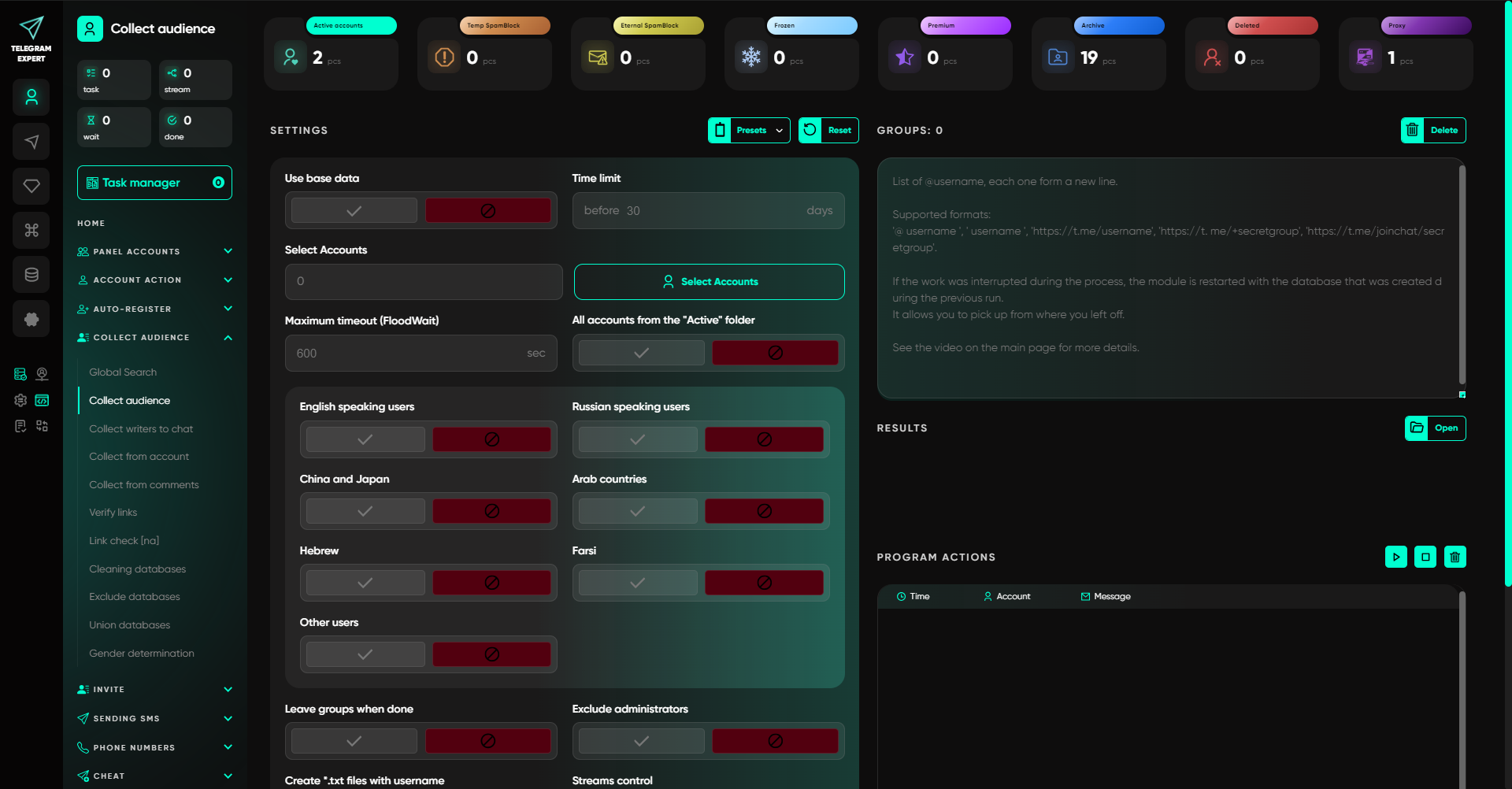
In Telegram Prime, you can add network intermediaries and check whether they work. The program shows which connections are available and which ones fail the check. This helps remove non-working network intermediaries before launching a task.
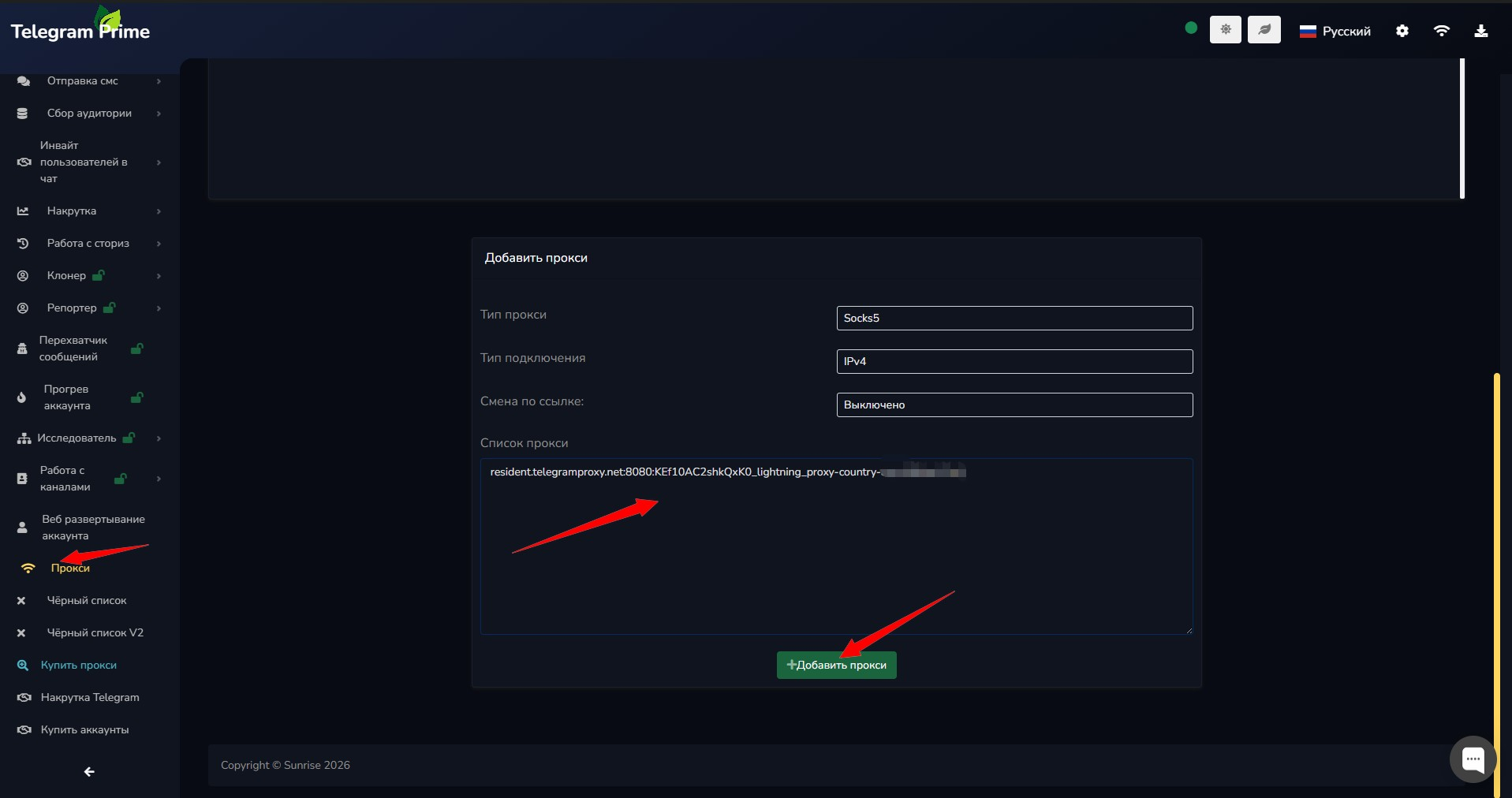
In Telegram Expert, in addition to connection checking, there is a separate proxy pool checker. It shows which external IPs the network intermediaries return, where addresses repeat, and which requests ended with errors. Checks are available for sticky and rotating connections over HTTP and SOCKS5.
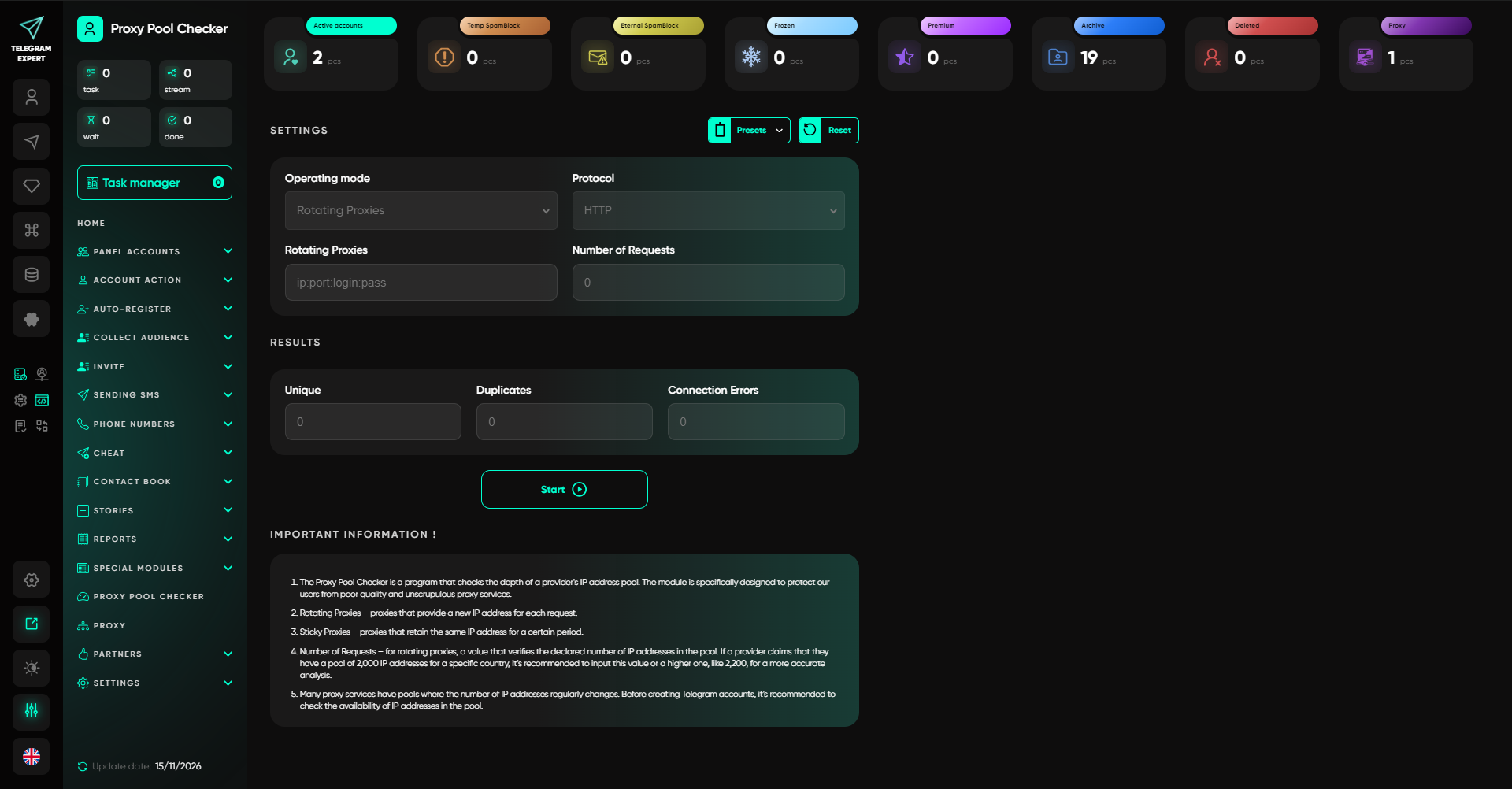
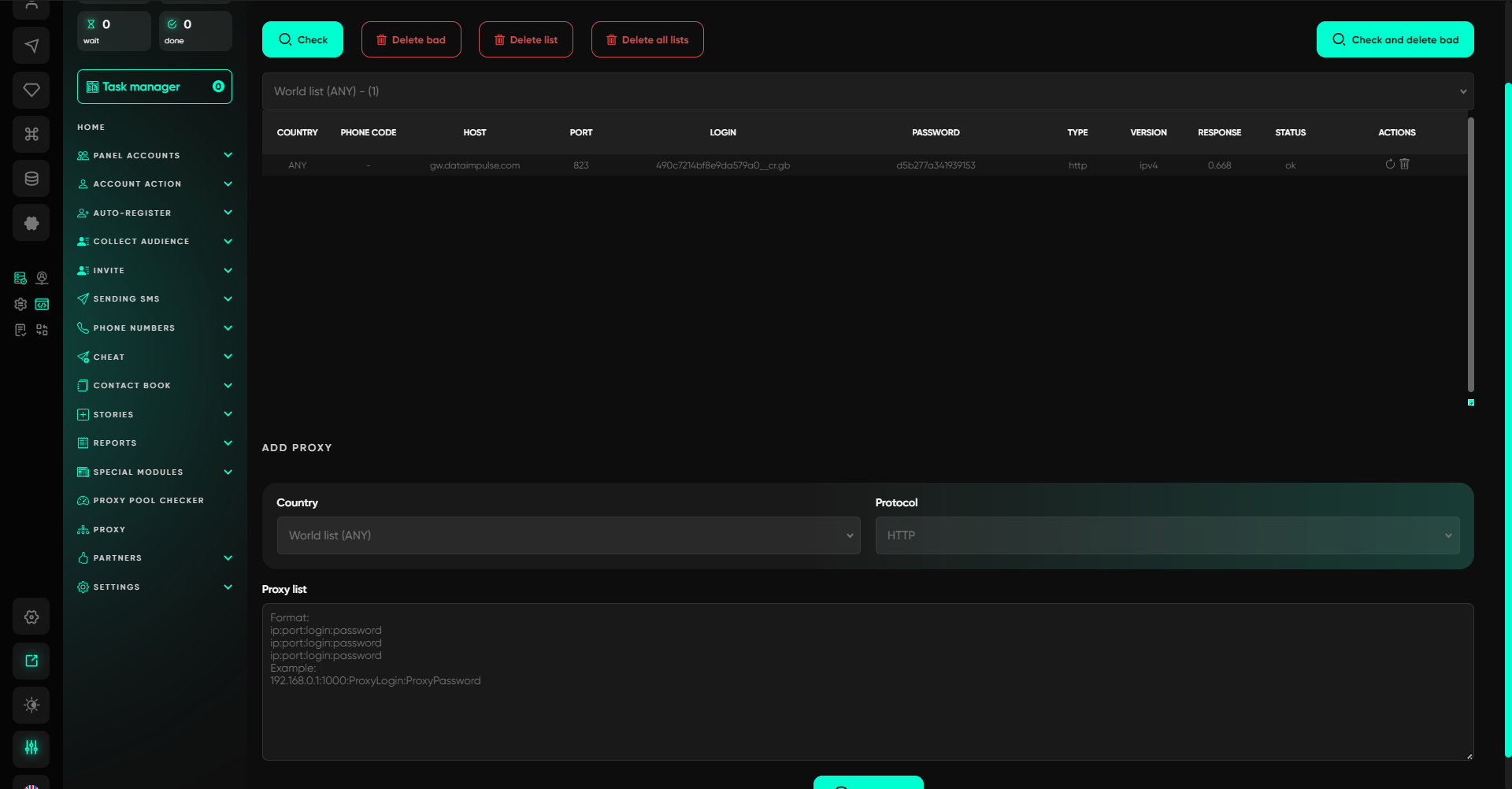
For a team, this is a more detailed pre-launch check. For example, you received several sticky connections for different accounts. All of them work, but some may still go out through the same external IP. A simple availability check shows that the connections are established. TE’s proxy pool checker additionally shows overlaps, so you can verify the distribution of connections and replace them if necessary before starting.
With rotating network intermediaries, you can run a series of requests and see how many unique addresses appear in the sample. If you compare different connections or discuss pool behavior with a provider, you will have measurement results rather than just a list of network intermediaries that successfully connected.
This kind of check is useful when buying a new pool or replacing network infrastructure. At the same time, the measurement only describes the obtained sample: it does not determine the size of the entire pool and does not guarantee the absence of restrictions on Telegram accounts.
Parser and audience databases — preparing for a repeat campaign
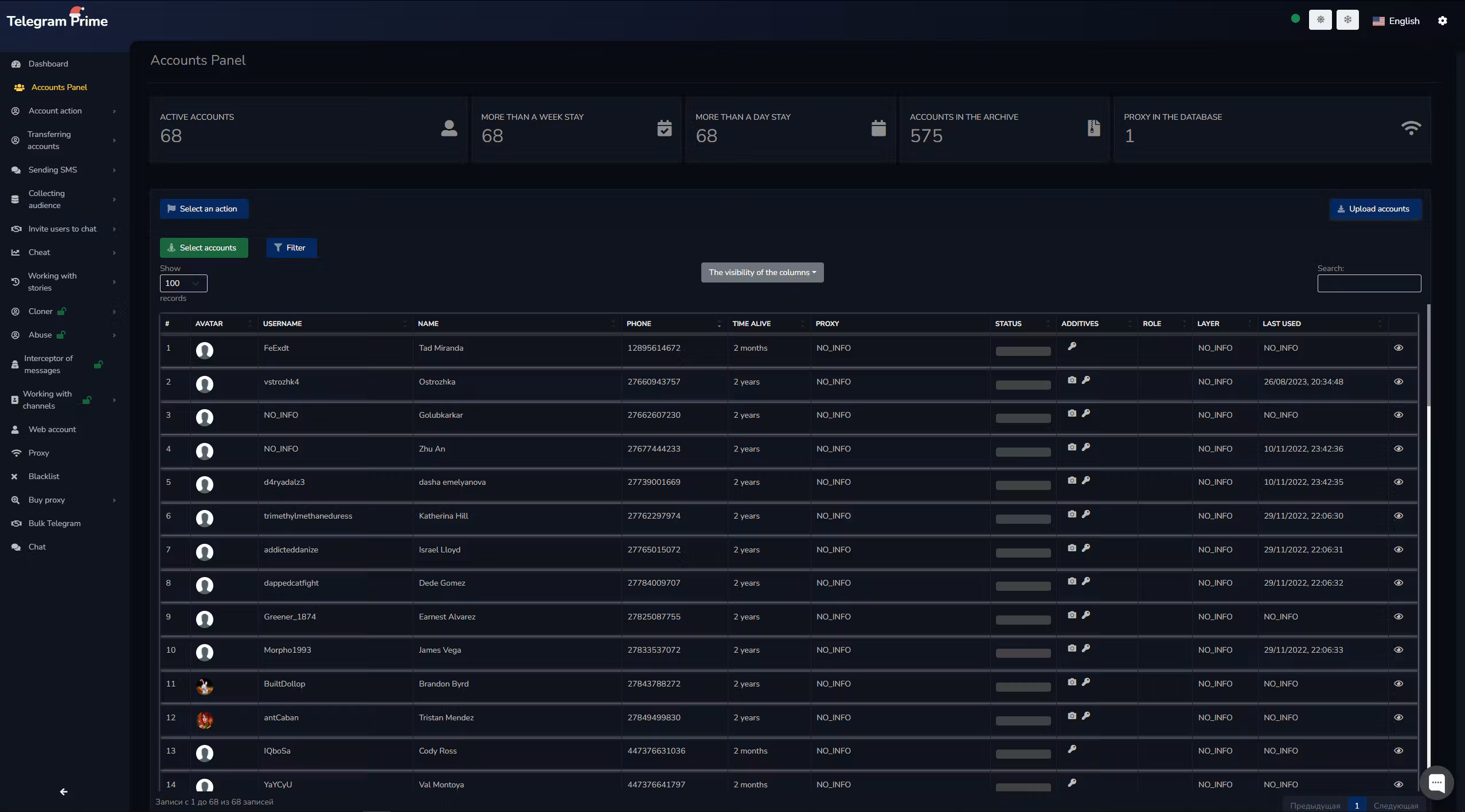
Telegram Prime includes collection of chat members, message authors, and commenters, bio filtering, username checking, and Blacklist tools. This set helps you select an audience and verify the collected data.
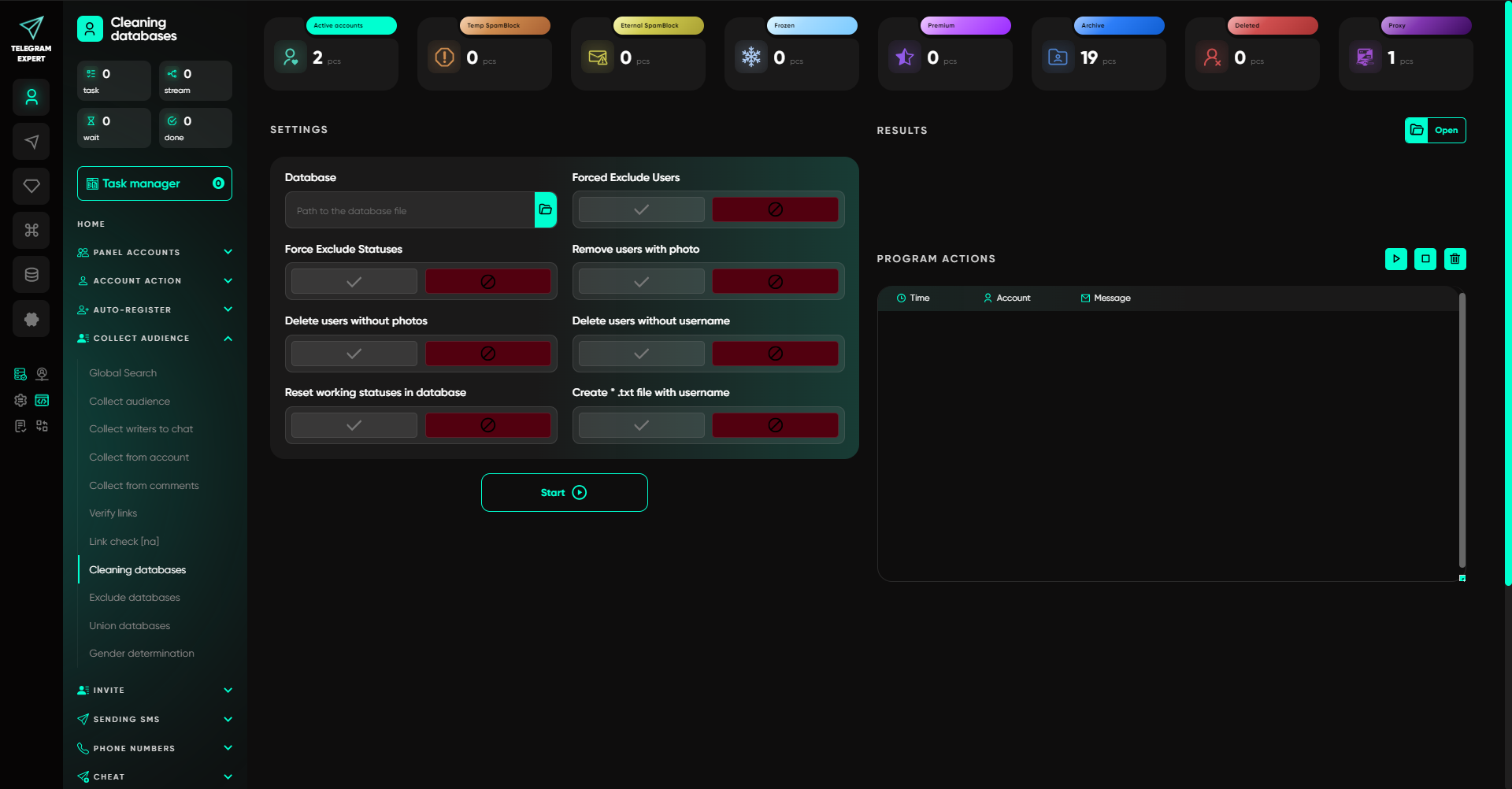
In Telegram Expert, collection is complemented by separate operations for ready-made databases: cleaning, exclusion, and merging. These are especially useful when you run campaigns regularly and need to account for who has already been processed.
Let us take an agency task. Last week, it collected an audience from thematic chats and completed a mailing. This week, new message authors have appeared in the same communities. If you process the full list again, it will include both new users and those who have already received your offer.
In TE, you can collect a fresh sample and exclude from it a prepared database of previously processed users. If you only have a username list for exclusion, that can also be used as long as the main database contains usernames. The result is a separate segment for the new launch.
Cleaning and exclusion solve different tasks
A feature-based filter helps you select the required user type. For example, you can keep only records with usernames if the next module will work by username. But such a filter does not answer whether the team has already communicated with that person.
For this purpose, Telegram Expert uses database exclusion: matches from the second list are removed from the main set. You decide which list to exclude — successfully processed users, participants from another prepared sample, or a separate username list.
Database cleaning removes records by selected criteria, while merging combines several audience databases into one. Up to five databases can be merged in one run.
For repeated mailings and inviting, this gives you controlled audience preparation. The employee works with specific sets: what was collected now, what was processed earlier, and what remains for the next task. The source databases can be saved and the composition of the final sample can be checked.
Choose the audience by the action it performed
Both programs can collect message authors and commenters. In TE, when collecting users who wrote in a chat, you specify the message period — for example, the last 14 days. This fits when you need participants from a recent discussion.
When collecting commenters, the period refers to post dates. By specifying 14 days, you select posts published during that period and collect their commenters. These conditions produce different samples, so they should be taken into account when preparing a segment.
For an agency, the value of TE here is the sequential workflow around the database: choose the source, collect the needed users, clean the data, and exclude overlaps before sending. The next campaign starts from a prepared segment rather than from reprocessing the whole list.
Accounts and registration — how to prepare a new project
Telegram Prime has an account panel, auto-registration, re-authorization, and transfer operations. Telegram Expert also lets you add existing accounts and create new ones, then distribute them across projects and perform bulk actions.
In TE, project preparation may look like this: add accounts, organize them into folders, assign network intermediaries, configure names, photos, and bios, check their status, and choose the group for the task. When an agency runs several clients, this makes it possible to apply changes only to the required profiles without including the rest in the launch.
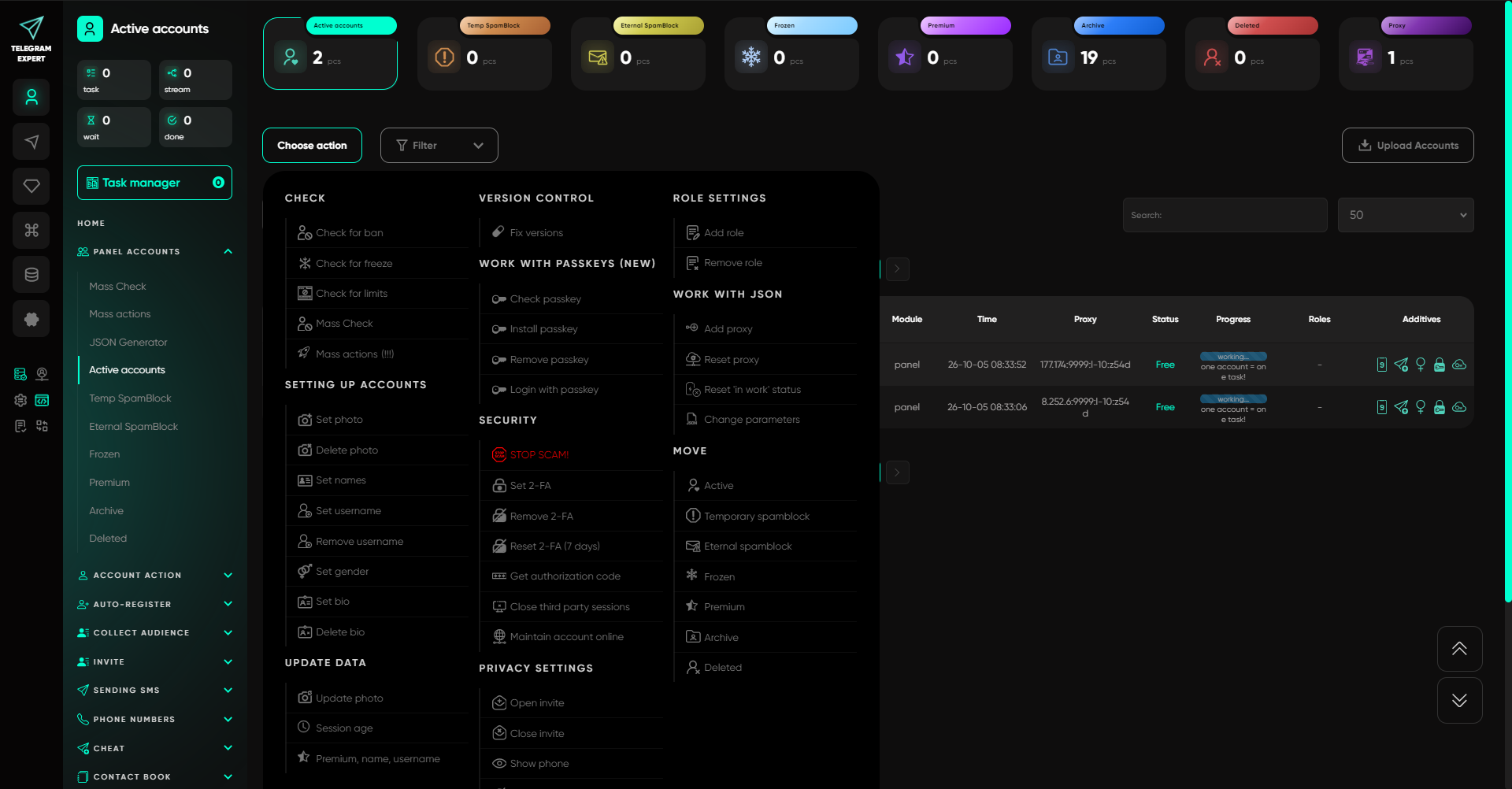
Telegram Expert also has a relevant option for teams engaged in registration: creating iOS accounts and continuing to work with them inside the program. After registration, you can check account status, configure profiles, and use them in supported workflows. If your project specifically needs iOS accounts, this scenario is worth including in your TE test.
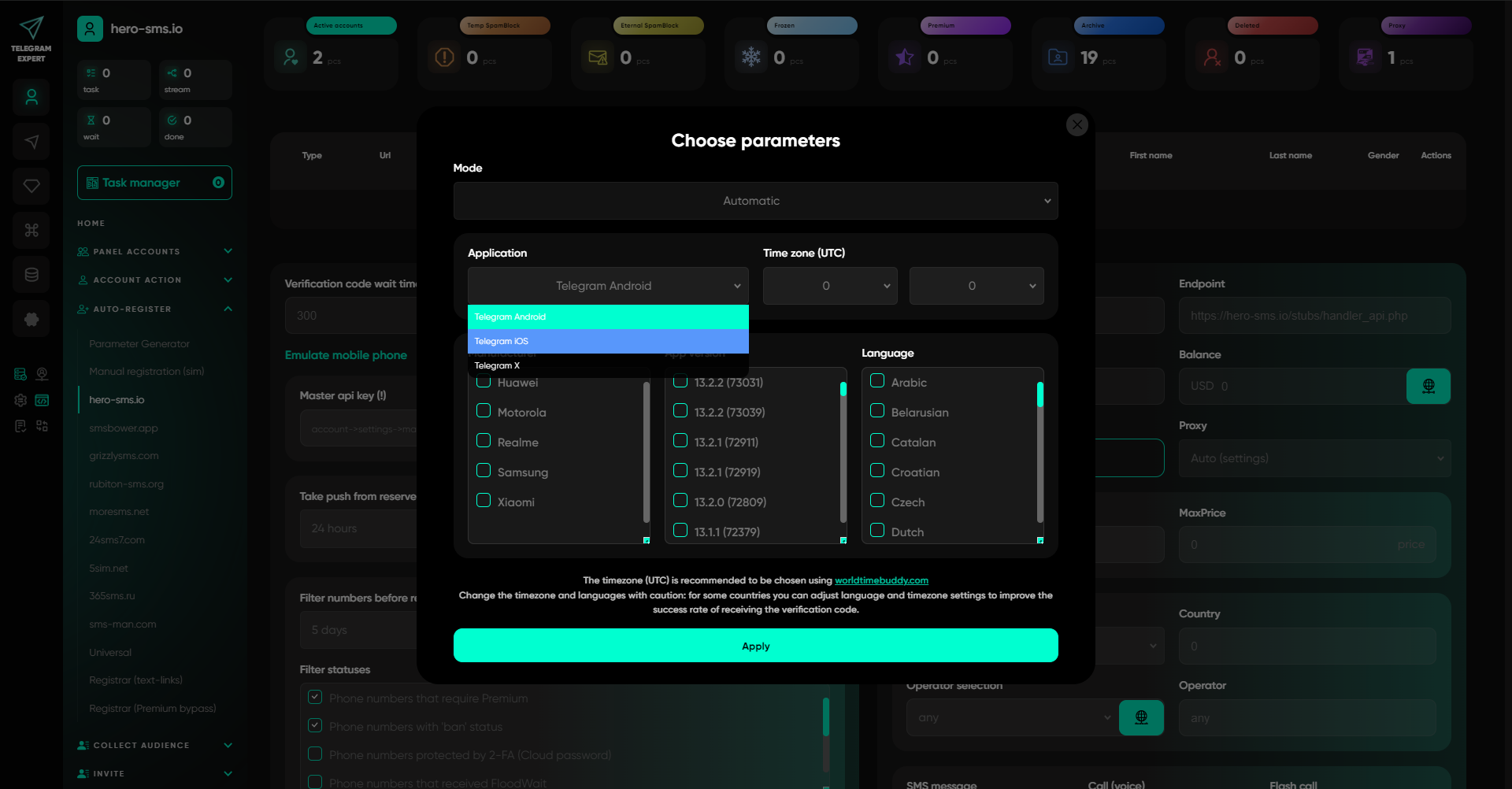
Supported SMS services are available for automatic registration, along with the universal registrar for compatible APIs. To connect your own SMS service through the universal registrar, its API must be compatible with the SMS-Activate API.
If the accounts were prepared in other software, start by checking a few of your own profiles. TE works with compatible Session and TDATA formats, but the import method and whether conversion is needed depend on the format. After checking loading, network intermediaries, and the required action, you can transfer the rest of the group.
For a Prime user, this means the familiar workflow with multiple accounts can continue in TE and be expanded with the operations needed for a new project — from registration to pool checking and database preparation.
Messaging and inviting — what happens after the first launch
Telegram Prime supports different sending methods, including by ID, contacts, open dialogs, and CSV. Telegram Expert supports sending by username, ID, numbers, and contacts, while a separate “Open Dialogs” module is available for ongoing conversations.
For a client who has already talked to your manager, one scenario applies: continue the existing dialogue. For a prepared base of new contacts, another applies: choose the appropriate module and check the requirements for the source data. Depending on the mode, TE can use text, media, attachments, reposts, and prepared posts through Postbot.
For inviting, both programs offer several invitation methods, including work by ID and through an administrator. The mode is chosen according to the database, account permissions, and group settings.
TE’s strong side in repeat launches is the work with audiences and result databases around these operations. After a mailing or inviting run, you save the result database and use it to prepare the next task: select the needed records, build an exclusion list, and collect a new sample.
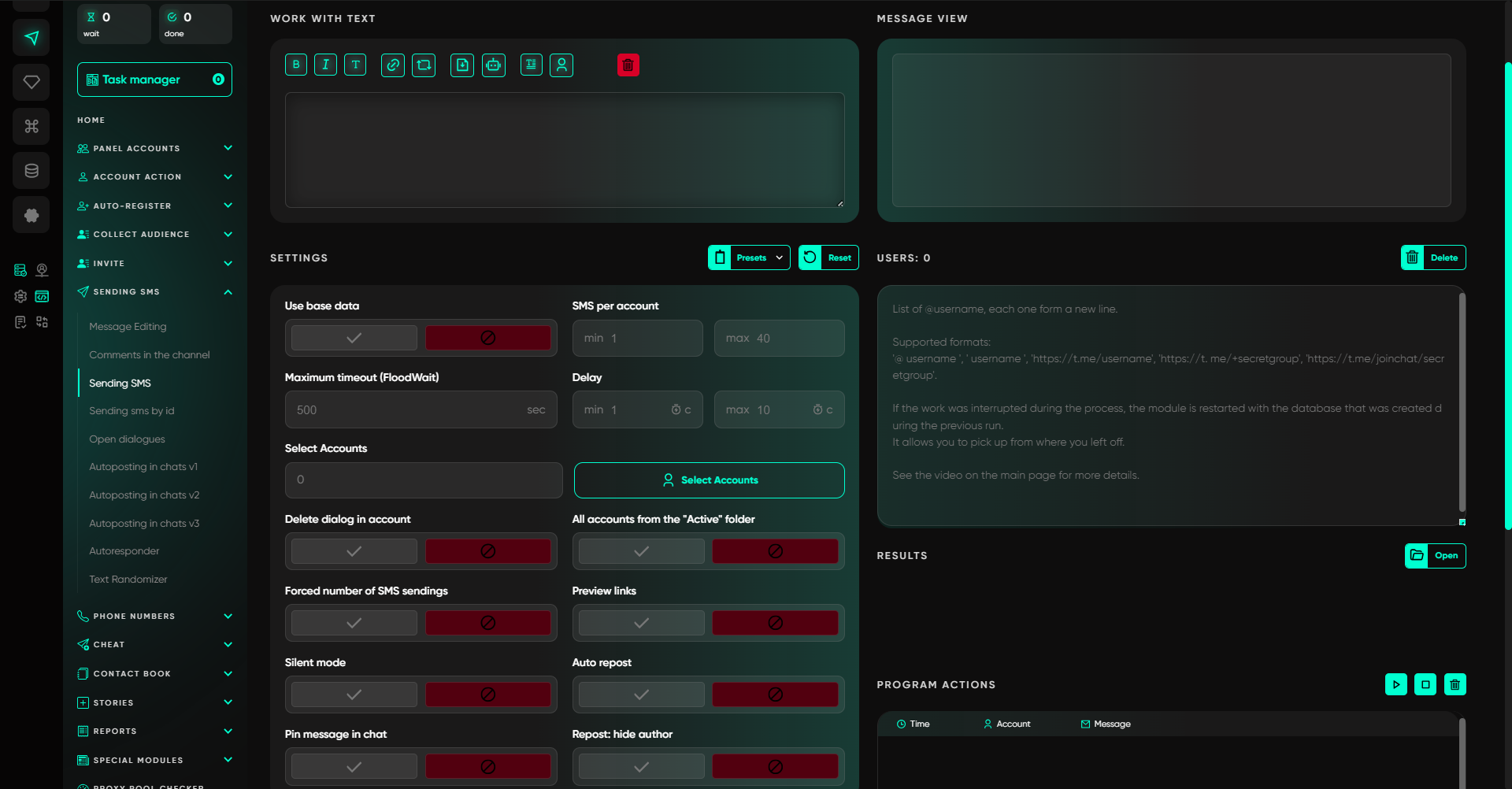
For example, a community regularly invites new members. To avoid starting each time from the full list, the team saves successful results and takes them into account before the next run. At the same time, it is important to distinguish between a successfully completed invitation and a failed attempt: this determines whom you exclude from the new database.
This is how TE helps organize repeatable work: each launch leaves source data and a result that can be used to continue preparing the next campaign.
Incoming messages — a separate tool for employee replies
In Telegram Prime, the “Interceptor” works with messages from sources, uses keywords, and supports routing replies through an intermediate chat. It is a tool for monitoring messages and continuing communication.
In Telegram Expert, these tasks are split. The “Interceptor” is used for messages from selected sources, while the “Forwarder” is dedicated to personal incoming messages on work accounts. If your sales team needs to reply to people who have already written to your accounts, TE provides a separate module for that.
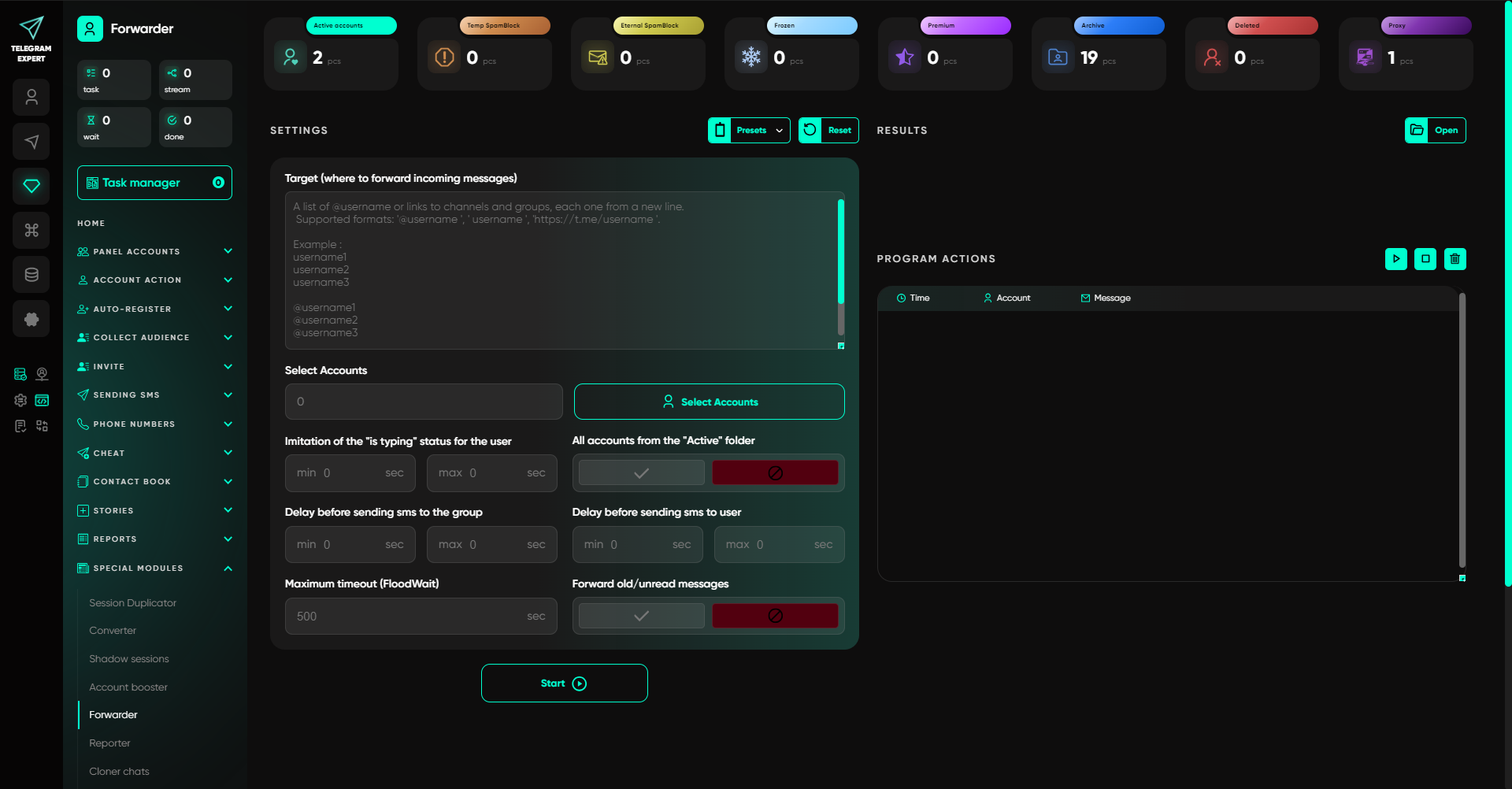
You choose the work accounts and the supergroup where incoming inquiries will be delivered. The employee replies to the forwarded message inside this group, and the client receives the answer from the same account they originally contacted.
For example, one client writes to project account A, while another writes to project account B. The operator sees both inquiries in the work chat. Their replies go back into the corresponding conversations from the original accounts. Clients do not need to switch to a new contact, and employees do not need to open each work profile to reply.
For a team that receives inquiries from several accounts, this makes it possible to concentrate personal-message handling in one place. The module also supports forwarding old unread messages — a useful setting after a break in work.
The autoresponder can be used separately to send a prepared reply to an incoming message. It delivers standard information, while questions about conditions, product choice, or purchase are then handled by an employee.
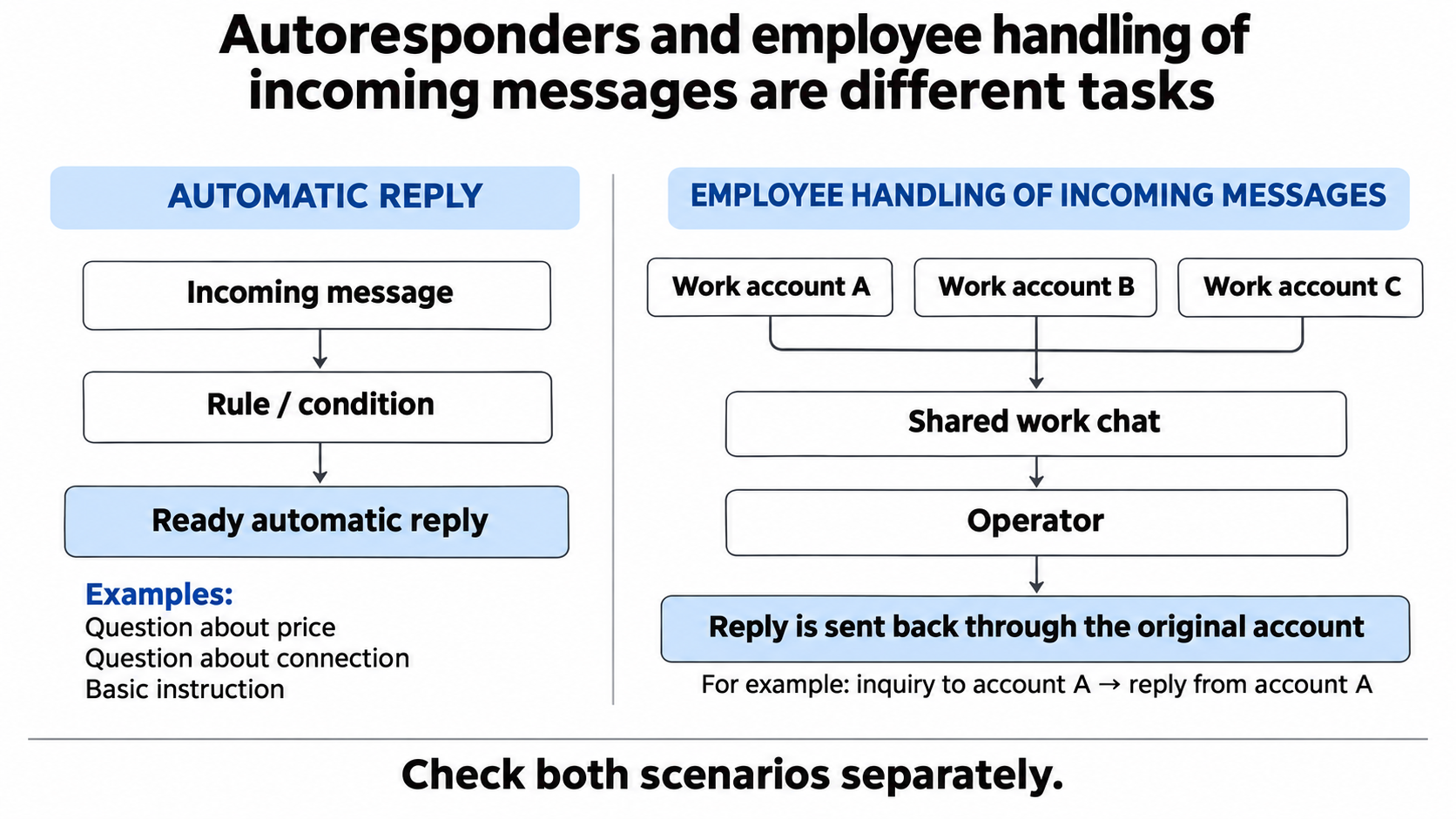
Autoresponders and employee handling of incoming messages in a shared work chat
The “Forwarder” belongs to additional modules. If a shared chat for incoming messages is part of your process, include it in the setup and request it for testing together with the core functions.
Reports — from a single mailing to the result of several campaigns
Telegram Prime provides HTML reports for messages and invitations. In Telegram Expert, the HTML report generator is supplemented with a result calculator and separate merging of statistics and result databases.
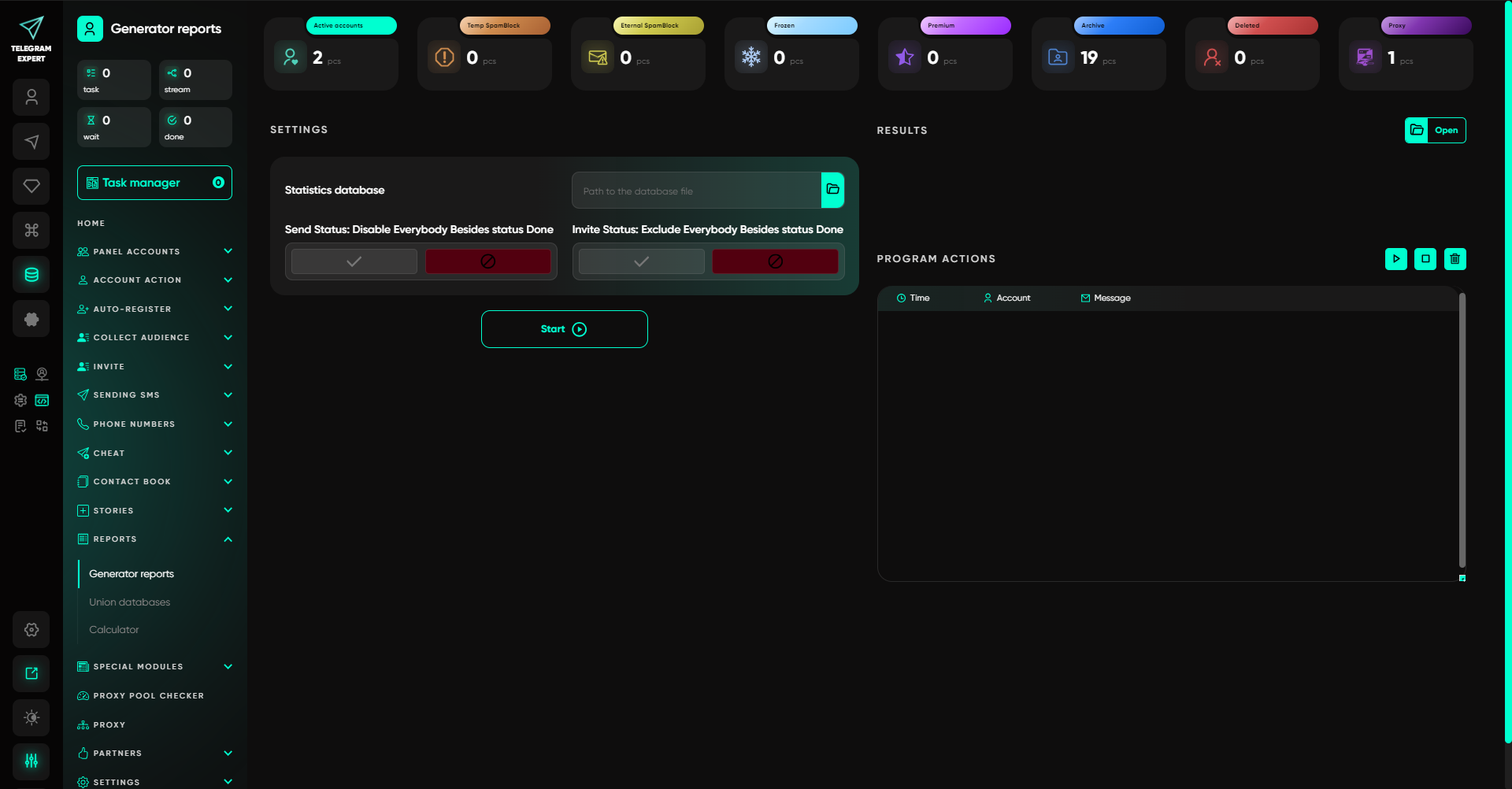
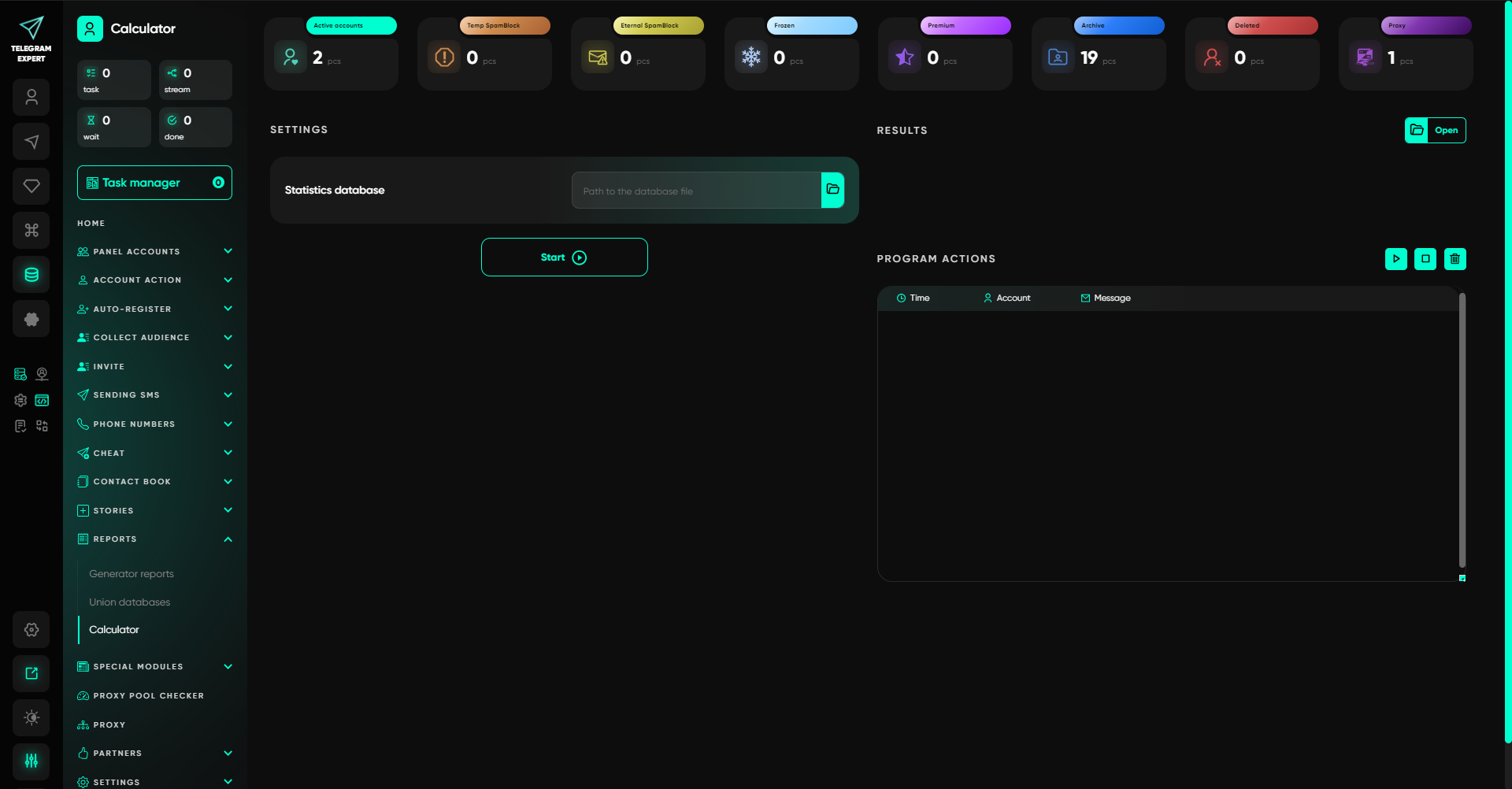
This is useful when the work consists of several launches. For example, an agency ran several mailings for one client. In TE, up to five corresponding result databases can be merged in one operation, totals can be calculated, and a shared report can be prepared. The source files can still be kept separately.
The team gets the ability to consolidate the results of several tasks inside the program. This is convenient for project reporting: you do not have to limit yourself to viewing each launch separately.
The report generator lets you select successful operations with the status Done. Such a set is suitable for showing completed actions. To analyze errors, keep the original database: filtering only successful operations removes failed attempts from the final set.
Result databases and audience databases are merged in different sections. The former are needed to track completed work, while the latter are needed to prepare users for the next task. In TE, you can work with both stages.
The sending report shows the result of program operations. To assess sales, it needs to be compared with inquiries and payments: a successful send does not yet mean that a person read the message or became a client.
Price of Telegram Expert and Telegram Prime
Prime offers monthly and lifetime licenses. Telegram Expert offers access for a month and for longer periods. Before buying, it is worth calculating the set for your workflow: the base license, the required extensions, and external costs for accounts, numbers, and network intermediaries.
An annual Telegram Expert license for ₽19,990 corresponds to roughly ₽1,666 per month when paid for as a full year. This makes it possible to calculate the cost of ongoing access in advance. Additional modules and external services are not included in this amount.
The trial conditions also differ before the final choice. Prime offers a free 72-hour test. The license terms on Prime’s sales page state that refunds are not provided. Telegram Expert offers a shorter 24-hour demo, but the site provides a full refund within 48 hours of purchase.
For a TE buyer, this is an additional opportunity to check whether the program fits the workflow. During the demo, you can request the needed extensions, test database preparation and incoming-message handling, and after purchase the published refund terms apply.
Why it is worth trying Telegram Expert instead of Telegram Prime
If you only need standalone sending or inviting tasks, both programs have the respective tools. Telegram Expert becomes especially interesting where the work is recurring and every launch has a follow-up.
Before a campaign, you can check network intermediary availability and actual IP overlaps. After collection, you can clean the database, merge segments, and exclude previously processed users. After sending, you can collect personal replies into a work group. After several launches, you can combine the results and prepare a report.
These are exactly the tasks worth testing if you are choosing a Telegram Prime alternative for an agency, a sales team, or several in-house projects. TE has specific tools for them that can become part of your workflow.
Request a 24-hour Telegram Expert demo and describe the task in full: what accounts and databases you have, what needs to be sent or whom to invite, and where employees will reply. If you need the “Forwarder” or another extension, ask to have it enabled for the test.

Download Telegram Expert - software for Telegram promotion
Telegram Expert is professional software for fast channel growth and sales in Telegram. Launch mass mailings and invites, warm up accounts without bans, consolidate dialogs in one place, and scale your team. All in one window - fast, safe, and tailored to your tasks.
What it can do:
- TDATA Converter - массово переводит session+json в TDATA.
- Booster - account warm-up via smart dialogs to increase trust.
- Registrar - account creation via any SMS services with the sms-activate standard.
- Duplicator - a second session for existing accounts for transfer and protection.
- Forwarder - routes incoming replies to a working group and sends replies to clients.
- Interceptor - catches messages by keywords from chats/channels and forwards them to you.
- Invite via admin - invitations even to restricted groups.
- Channel and chat cloner - full copies, including protected content.
- Reporter - mass complaints about messages/users/channels.
No one has left a comment yet
Telegram Gods key replacement program -> Telegram Expert (release)
We always strive to support our valued users and offer you an unprecedented key replacement program for owners of the Telegram Expert Beta or Telegram Gods program. All keys are replaced for FREE with the Telegram Expert Release program under the following conditions: 1. The «duplicator» and «invite through administrators» modules are connected for free. 2. Key validity period – lifetime Additional conditions: 1. Keys purchased before 18.02.2022 must be accompanied by indisputable confi...

Best Network Intermediaries for Telegram Account Management
[media mw=100]3512[/media] Managing Telegram accounts at scale is mostly a problem of keeping each account separate. Every account has its own phone number and session, and every session records the IP address it connects from, so a messy network intermediary setup can link accounts together without you meaning to. The best network nodes for this work are the ones that stay stable and clean, and that you can assign to one account and leave alone. In this article, we'll explore which r...
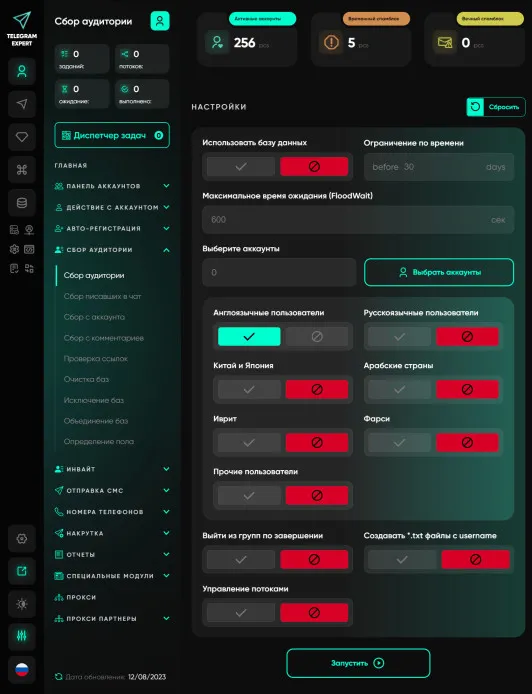
Audience gathering
An audience is an essential component of any business. No matter what you sell, you need customers, you need an audience. Telegram Expert has truly enormous functionality; it has everything you need - collecting chat participants, collecting chat writers, collecting users from comments, etc. And all these modules are included in the base module. But this is not the main advantage; with Telegram Expert you will be able to work more efficiently, this is achieved through the introduction of advance...

Telegram Banned? 2026 Guide to Fix Account Bans, Region Blocks & IP Issues
body, article, section, div, p, h1, h2, h3, li, .content-section { text-align: justify; } body { margin: 20px; font-family: Arial, Helvetica, sans-serif; line-height: 1.6; } In the evolving landscape of global social media marketing, Telegram has shifted from a "wild west" of anonymity to a sophisticated ecosystem with some of the most stringent anti-spam measures in the industry. For many digital marketers, the journey ends...